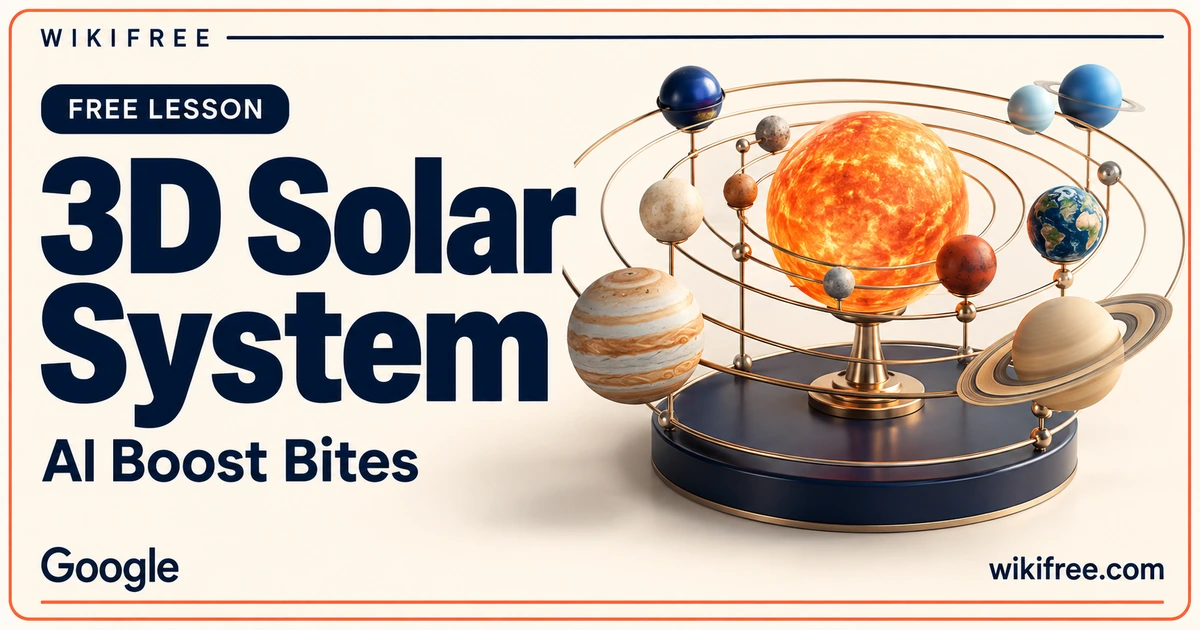
An interactive model can make an abstract topic easier to explore. Create a 3D Solar System demonstrates how a prompt in Gemini Canvas can produce an educational visualization with clickable planets and additional information. The Google AI Boost Bites micro-lesson is about building that experience, rather than teaching a complete astronomy syllabus.
One demonstration and a knowledge check introduce the workflow. It is a practical starting point for thinking about interactive learning materials, with an important distinction between an engaging model and a scientifically validated simulation.
Course at a glance
| Provider | |
|---|---|
| Platform | Google Skills |
| Level | Beginner |
| Language | English |
| Estimated study time | 10–15 minutes; official displayed estimates differ, individual study time varies. |
| Format | Self-paced micro-lesson with one topic demonstration and a required knowledge check. |
| Access | Free instruction; free Google Skills account required. Product and practical access are separate. |
| Recognition | Course completion badge advertised after required activities; no professional certification or academic credit. |
What you’ll learn
- See an initial prompt used to create a solar-system visualization in Canvas.
- Observe interactive planet information within the generated experience.
- Recognize how educational features can be described in a prompt.
- Understand why generated facts and scientific representations require review.
Skills you’ll gain
- Educational visualization planning
- AI-assisted prototype design
- Interactive learning review
- Fact-checking generated models
Design the interaction around a learning purpose
A model is more useful when a learner knows what to do with it. Clickable elements can invite exploration, but the interaction needs a purpose: compare a feature, find a fact or explain a relationship. The demonstration gives you a concrete example of how a prompt can ask for a learning-oriented interface.
For optional practice, write down one question the visualization should help answer before changing the graphics. Decide what information needs to appear when a planet is selected and what should remain visible at all times. This keeps the design focused on a learner’s task rather than on visual complexity alone.
Check the science behind the spectacle
Three-dimensional presentation can look persuasive even when distances, sizes or movement are illustrative. Do not assume the generated model uses a scientifically accurate scale or that every displayed fact is correct. Review important content against trusted educational or scientific references before putting the model in front of learners.
A useful independent review separates content from appearance. Check a few planet facts, confirm that labels match the selected objects and identify any simplified relationships. If a size or distance has been adjusted for readability, explain that choice clearly. This is suggested review practice, not a validation certificate supplied by the lesson.
Use a prototype as a conversation starter
This short lesson may interest educators, instructional designers and learners exploring how AI can help create interactive teaching aids. The scope is accessible and visual, but it should not be mistaken for training in orbital mechanics, professional simulation software or an entire educational-technology development process.
Before sharing a model, consider whether its text is readable, controls are understandable and key information is available without relying only on animation. Ask a learner to explain what the model helped them understand. Their response can show whether the interaction serves the learning purpose or merely adds movement to the page.
Free learning and practical access
The full advertised instruction and knowledge check are free through a free Google Skills account. Optional use of Gemini Canvas is subject to the features, limits and product access available to your account. You can watch the learning material without subscribing, entering a card or starting a trial. The lesson does not include a verified scientific simulation or promise unlimited generation. Google advertises a course completion badge after the required activities. It is not a professional certification or academic credit.
Explore more learning options in the free course catalogue.
Frequently asked questions
Is this an astronomy course?
Its main focus is creating an interactive educational visualization with Gemini Canvas. It is not a comprehensive astronomy course.
Will the model be scientifically accurate?
Accuracy is not guaranteed. Check facts and identify illustrative changes to sizes, distances or movement before using a generated model for teaching.
Who might find it useful?
Educators and beginners interested in interactive learning prototypes can use the demonstration to explore a focused Canvas workflow.
Questions & discussion
Share a useful question or correction. Comments appear after moderation. Please avoid personal or sensitive information.