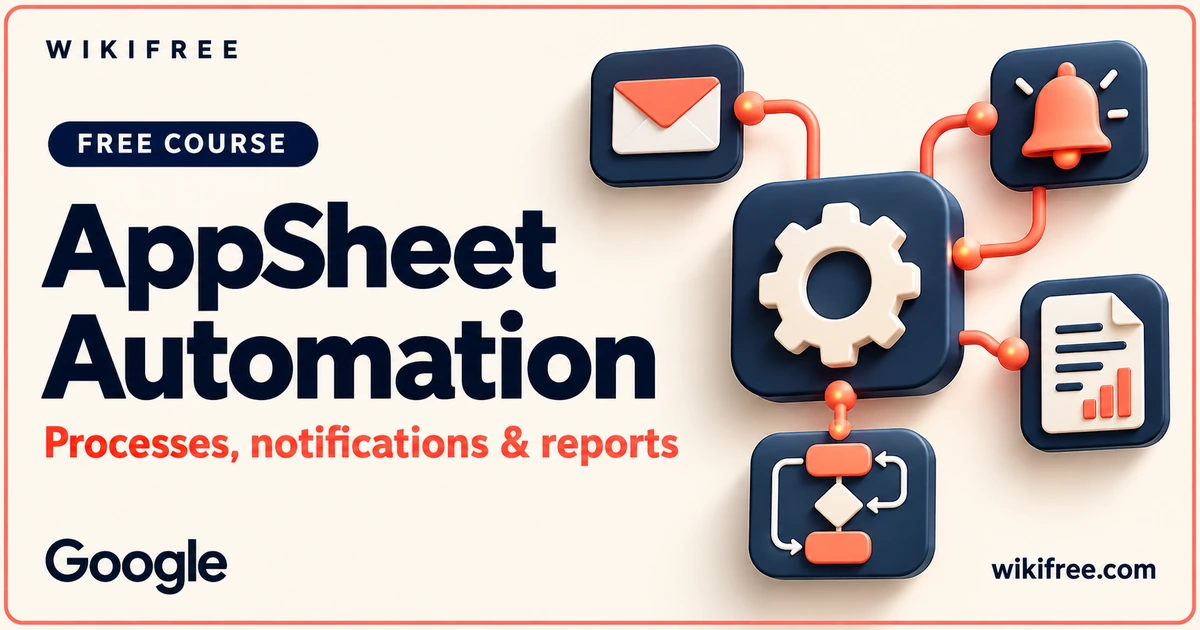
An app becomes more useful when it can support the steps that happen after a user acts. Google’s Building No-Code Apps with AppSheet: Automation examines business-process automation through AppSheet, from basic patterns to notifications, messages and generated reports.
The course contains twenty-six videos, three quizzes and three resource documents, with six required practical labs accessed separately. Its free instruction builds on the automation side of app development. This is a distinct learning goal from AppSheet Foundations, which focuses on constructing and deploying an app.
Course at a glance
| Provider | |
|---|---|
| Platform | Google Skills |
| Level | Beginner |
| Language | English |
| Estimated study time | 6 hours; provider full-course estimate including practical activities; instruction-only study time may differ. |
| Format | 26 videos, 3 quizzes, 3 reading/resource documents; 6 separately accessed provider-required labs |
| Access | Advertised-free instruction; free learner account required. Labs, tools and product usage are separate. |
| Recognition | Provider recognition is subject to its activity requirements; no free badge or certificate promised. |
What you’ll learn
- Review business-process automation patterns and AppSheet use cases.
- Explore automation features, constructs and looping topics.
- Understand the instructional treatment of Apps Script integration and monitoring.
- Review push notifications, embedded app-view emails and bot messaging.
- Explore document/report generation and related AppSheet automation topics.
Skills you’ll gain
- Automation-workflow planning
- Action and output interpretation
- Integration vocabulary
- Notification design questions
- Process-monitoring awareness
See automation as a controlled handoff
The first lessons introduce business-process automation, AppSheet’s role and common patterns. The next instructional sequence looks at constructs, looping, integration and monitoring. Together they encourage a workflow perspective: understand the event or need, the intended action and the result another person expects.
For independent study, describe a fictional approval or reporting process and mark its handoffs. Decide what information must be available before an action should occur and who needs to receive its result. Use those handoffs to connect the automation concepts with a clear operational purpose.
The curriculum includes Apps Script alongside AppSheet automation. This gives you an integration topic to explore as well as no-code workflow tools. Relate each approach to your organization’s process, access requirements and review practices before choosing an implementation.
Connect outputs with the action people need
The later videos cover push notifications, template variables, embedded app-view emails, bot messaging and generated files or reports. These topics make the course useful for understanding what an automated process communicates, rather than only whether a technical action fires.
An independent design question is whether the output makes the next step clear. A notification, email or report should serve a defined purpose in the process. Decide who needs the message and what action it should help them take.
The six practical labs address automation implementation, Apps Script, notifications, app-view emails, reports and document processing. They are required activities for the wider course but separately accessed. The free instruction supports understanding their context without promising free lab credits, product subscriptions or a fully operating business process.
Free learning and practical access
The course advertises Free instruction and requires a free Google Skills learner account. Six provider-required labs are separate, as are independent AppSheet/Workspace product access and any applicable usage costs or permissions. Google’s six-hour estimate describes the course structure rather than measured free-video playback.
Any provider badge depends on its required activities and access conditions. A free badge, professional certification or academic credit is not promised.
Explore more learning options in the free course catalogue.
Frequently asked questions
How does this differ from AppSheet Foundations?
Foundations covers constructing an app, its data, views and deployment. This course focuses on automating business processes, integrations, notifications, messaging and generated outputs.
Is Apps Script included in the syllabus?
Yes. The actual videos and one of the practical labs discuss Apps Script integration with AppSheet automation. Apps Script provides a scripting integration alongside the AppSheet automation workflow.
Will following the videos complete every course requirement?
No such promise is made. The wider course includes six required practical labs, accessed separately from the advertised-free instructional material.
Questions & discussion
Share a useful question or correction. Comments appear after moderation. Please avoid personal or sensitive information.