Listed as Free on Udemy when checked on 22 October 2026. No coupon or subscription trial is required for the listed lessons. Enrollment needs a Udemy account; availability can change.
About this course
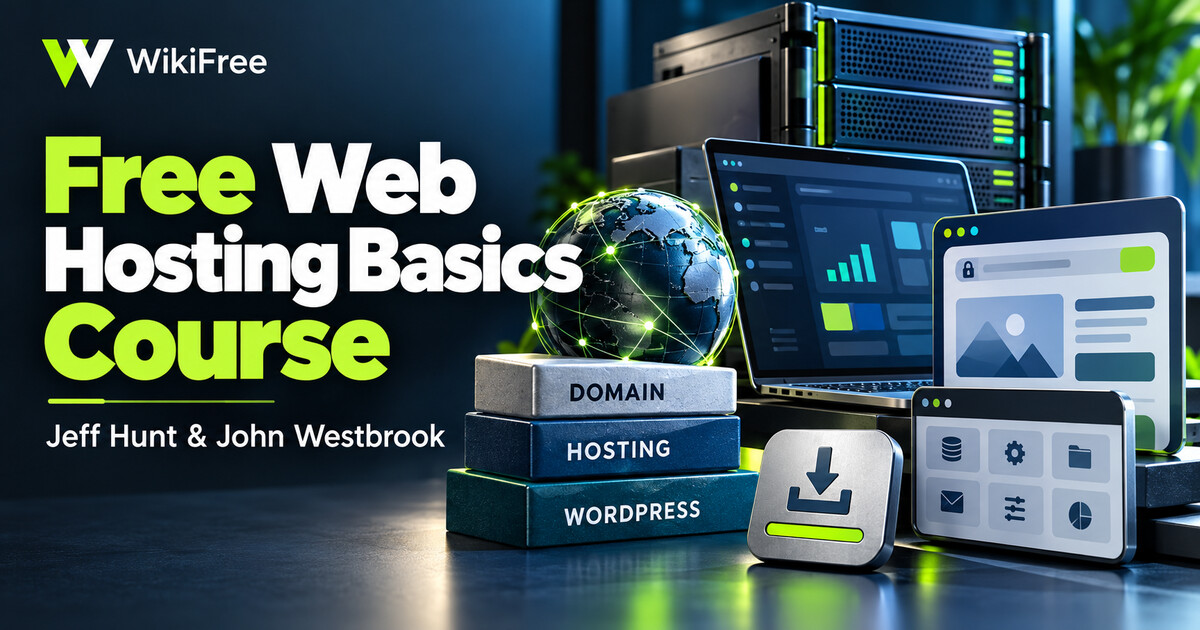
Jeff Hunt and John Westbrook introduce the pieces involved in putting a WordPress site on a hosting account. The course moves from choosing a domain to connecting it with hosting, navigating cPanel and using a one-click WordPress installation.
The final technical lesson introduces FileZilla file transfers and database backup through phpMyAdmin. This gives a beginner a view of both the site’s files and its database, rather than treating the WordPress dashboard as the entire website.
| Official course | How To Setup Web Hosting – Fast and Low Cost |
|---|---|
| Created by | Jeff Hunt; John Westbrook |
| Platform | Udemy |
| Language | English |
| Level | Beginner — Udemy listing |
| Listed duration | 35 minutes; 8 lectures across 1 sections |
| Certificate | Not included with a new free enrollment |
Skills you’ll gain
- Distinguishing a domain registration from a hosting account
- Recognizing common functions in a hosting control panel
- Understanding the basic purpose of a WordPress installation
- Separating website-file backups from database backups
Internet access is required, while a firm website idea is optional. The eight-lecture course is a short beginner walkthrough, and the hosting company’s current interface and installer may differ from the recording.
A domain and hosting subscription are separate purchases; the course does not provide them for free. WordPress Playground offers a free browser-based way to explore WordPress itself, but it does not reproduce cPanel, domain configuration or a real hosting backup. For live file transfers, use a supported encrypted connection and current host guidance rather than copying old plain-FTP settings.
WordPress Playground: Practice the WordPress interface without purchasing hosting; hosting-control-panel steps remain separate.
Frequently asked questions
Does free course enrollment include a domain and hosting?
No. Watching the lessons and buying a hosting service are separate.
Can WordPress Playground replace every hosting lesson?
It can support WordPress practice, but it does not simulate all domain, cPanel, email or server-backup operations.
Checked on 22 October 2026 using the public course details and syllabus. WikiFree has not watched every lesson or tested full playback. New free enrollments do not include a Udemy completion certificate, instructor Q&A or direct messages.
Questions & discussion
Share a useful question or correction. Comments appear after moderation. Please avoid personal or sensitive information.