Listed as Free on Udemy when checked on 21 October 2026. No coupon or subscription trial is required for the listed lessons. Enrollment needs a Udemy account; availability can change.
About this course
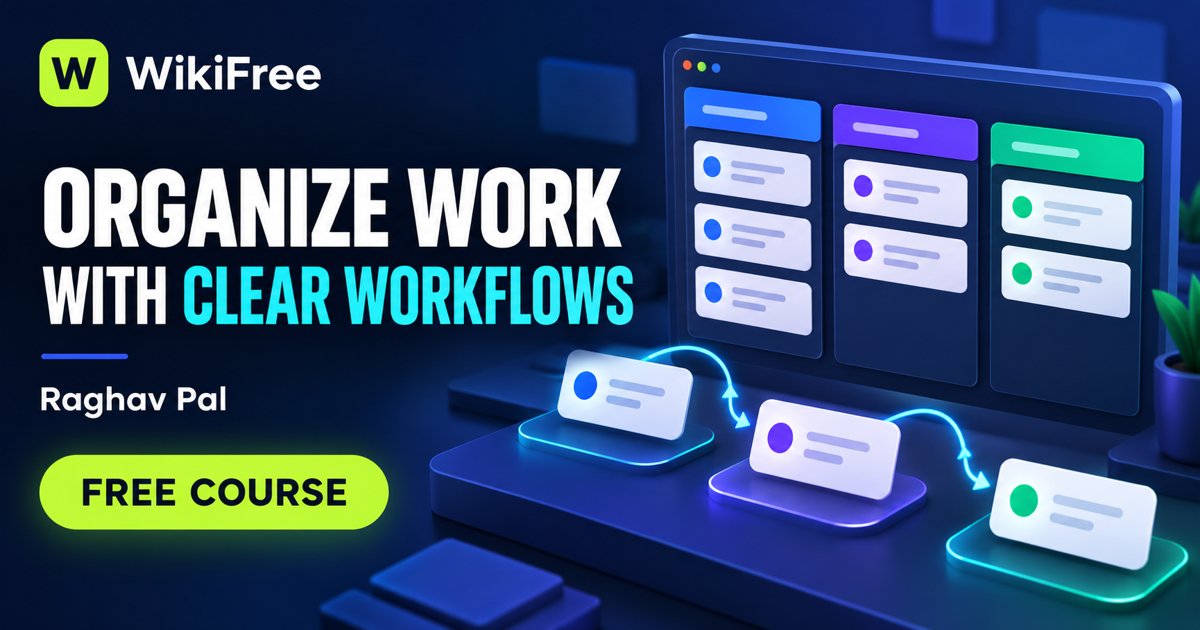
Work becomes easier to coordinate when a team can see what needs doing and how each item moves forward. Raghav Pal walks beginners through Jira, starting with account setup and the interface before introducing projects and the different kinds of work items they contain.
The syllabus covers tasks, bugs, stories and epics, then examines workflows through statuses, transitions and rules. A home-renovation example provides a familiar setting for organizing work; later lessons introduce backlogs, Sprints and reports, with quizzes to revisit key ideas.
| Official course | Jira for Beginners: A Step-by-Step Guide with Hands-On |
|---|---|
| Created by | Raghav Pal |
| Platform | Udemy |
| Language | English |
| Level | All Levels — Udemy listing |
| Listed duration | 119 minutes; 9 lectures across 7 sections |
| Certificate | Not included with a new free enrollment |
Skills you’ll gain
- Creating and organizing project work items
- Distinguishing tasks, stories, bugs and epics
- Understanding workflow statuses and transitions
- Navigating backlogs, Sprints and reports
Prior Jira experience is not required. The focus is learning the application’s basic structure, not becoming a Jira administrator or earning a Scrum qualification. Knowing what a team intends to track will make the demonstrations more meaningful than simply copying every setting.
Atlassian offers a Jira Free plan for up to ten users, alongside paid plans with additional capabilities. Use the no-cost plan where it meets your practice needs; a promotional trial is not necessary to watch these lessons. Menus and available settings can vary from the recorded interface and between plan levels.
Frequently asked questions
Can I start without Jira experience?
Yes. The syllabus begins with setup and basic navigation.
Must I buy a Jira subscription?
Jira has a Free plan for up to ten users. Some advanced capabilities belong to paid plans, so check the features needed for your practice.
Checked on 21 October 2026 using the public course details and syllabus. WikiFree has not watched every lesson or tested full playback. New free enrollments do not include a Udemy completion certificate, instructor Q&A or direct messages.
Questions & discussion
Share a useful question or correction. Comments appear after moderation. Please avoid personal or sensitive information.