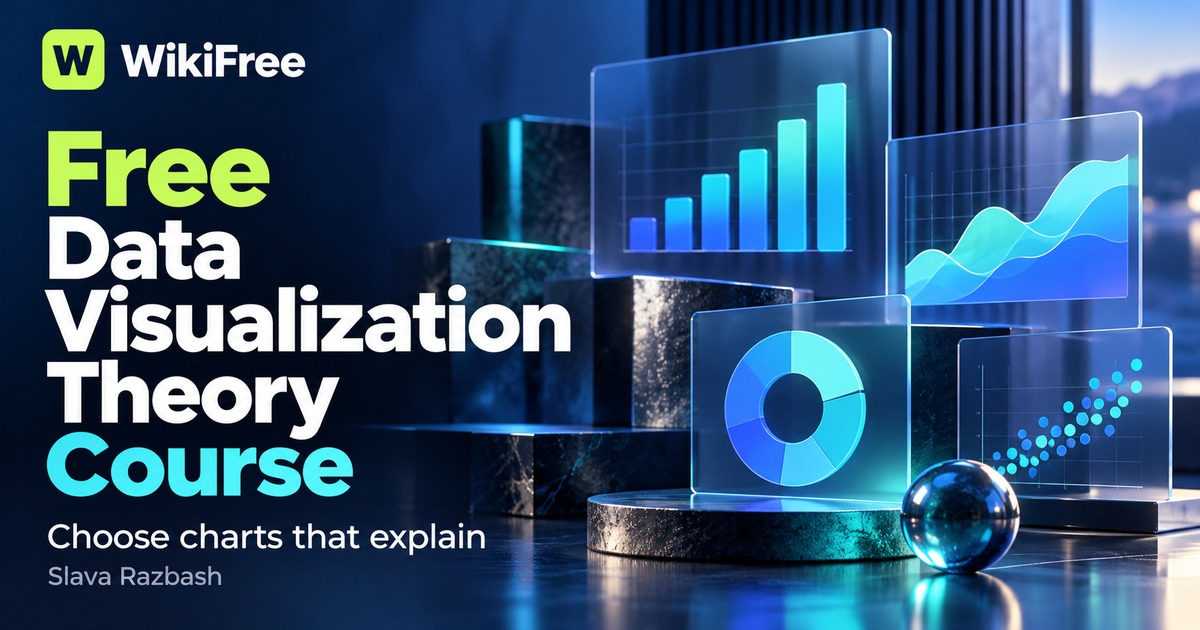
Listed as Free on Udemy when checked on 22 October 2026. No coupon or subscription trial is required for the listed lessons. Enrollment needs a Udemy account; availability can change.
About this course
Slava Razbash focuses on choosing a visual representation rather than learning a particular application. Scatterplots, lines, bars and distributions become alternative ways to answer a question, with attention to what each format makes easy or difficult to see.
The later lessons separate charts from infographics and dashboards, explain boxplots, and examine discouraged visual practices. Electricity-load examples help illustrate patterns that would be missed by assuming every relationship is a straight line.
| Official course | Data Visualization Best Practices & Theory |
|---|---|
| Created by | Slava Razbash |
| Platform | Udemy |
| Language | English |
| Level | Beginner — Udemy listing |
| Listed duration | 64 minutes; 5 lectures across 4 sections |
| Certificate | Not included with a new free enrollment |
Skills you’ll gain
- Selecting a visual form for the relationship being explored
- Distinguishing charts, infographics and recurring dashboards
- Reading the main components of a boxplot
- Recognizing crowded or misleading visual encodings
Five lectures total 64 minutes across four sections. Two introductory recordings account for about 41 minutes, followed by shorter focused discussions. Business experience may help but is not required. The instructor explicitly positions this as a course on what to show and why, rather than software operation.
No visualization subscription is needed to follow the concepts. A useful independent follow-up is to reassess a chart you already use and explain whether another format would make the comparison clearer; that is a suggested practice activity, not a project claimed to appear in the recordings.
Frequently asked questions
Does it teach Power BI or Tableau commands?
The stated purpose is visual reasoning and chart choice, not a sequence of commands in a specific tool.
Is advanced statistics required?
The entry requirements do not demand advanced statistics; the course introduces the relevant visual concepts.
Checked on 22 October 2026 using the public course details and syllabus. WikiFree has not watched every lesson or tested full playback. New free enrollments do not include a Udemy completion certificate, instructor Q&A or direct messages.
Questions & discussion
Share a useful question or correction. Comments appear after moderation. Please avoid personal or sensitive information.