Path 78 · The state studio · Intermediate
Keep one source of truth for each value.
A guided, practical route through react state and forms.
What you will be able to do
Build a small controlled registration form with derived totals, validation and reset behavior.
Plan about 9h 55m in total. Reading and practice are editorial estimates; video runtimes come from public provider metadata. Your pace will vary.
Before you begin
Check your starting point
What you need
Basic JavaScript, HTML forms and React components. Use a local React environment; no backend or paid service is required.
The selected public provider lessons are free to view. The original case can be completed with paper, a text editor or freely available local tools. Paid exams, certificates, subscriptions and optional provider software are not required for this project.
Completing this WikiFree path does not award a provider certificate. Any provider assessment, account requirement or credential must be checked separately on its official page.
Three readiness questions
Should total and seats be independent mutable state?
Not for a total derived directly from seats.
Does local confirmation mean a real booking exists?
No.
What should reset restore?
The documented initial values and validation state.
Use a workable pace
At 5 hours per week, allow about 2 weeks. Start with Stage 1, continue in order and reserve 2h 30m for the capstone. If a gate fails, use its repair step before advancing. At another weekly budget, divide 595 estimated minutes by your available weekly minutes and round up.
Keep a small evidence folder. A checked box means you reviewed your output; it is not a certificate or proof that a provider lesson was watched.
The working case
One state drives the total
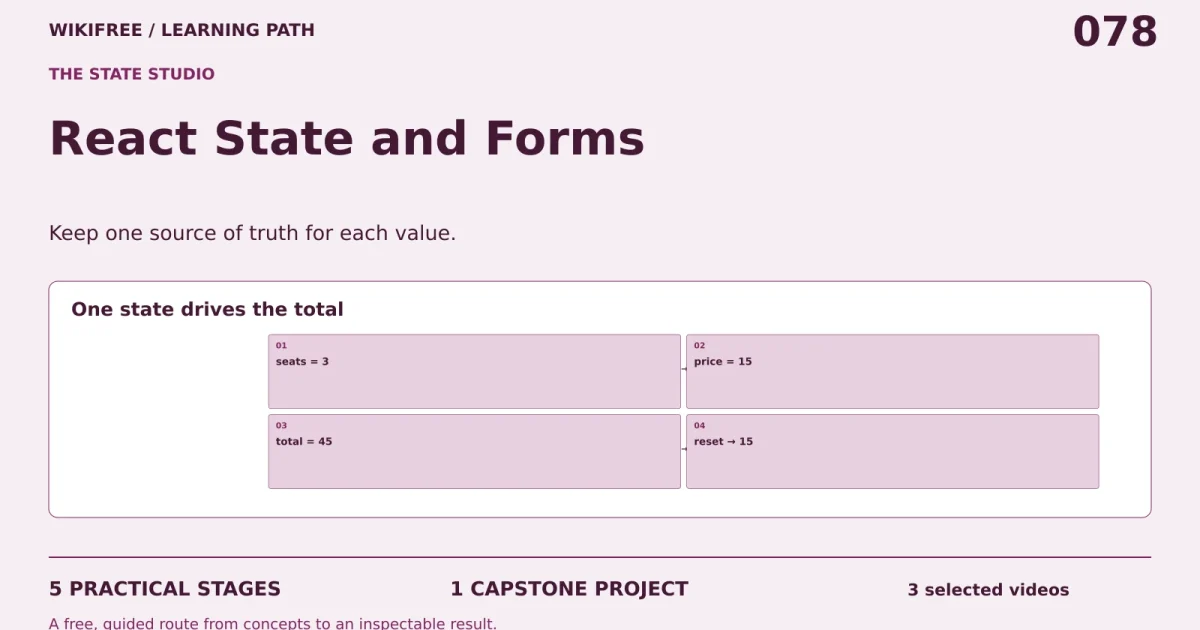
A fictional workshop form collects a name and 1–4 seats. Each seat costs 15 teaching units. The displayed total is derived from seat state, not stored independently. Submitting valid data shows a local confirmation; it does not reserve real seats or transmit data.
| State or rule | Value |
|---|---|
| Initial name | empty |
| Initial seats | 1 |
| Price per seat | 15 |
| Maximum seats | 4 |
| Example seats | 3 |
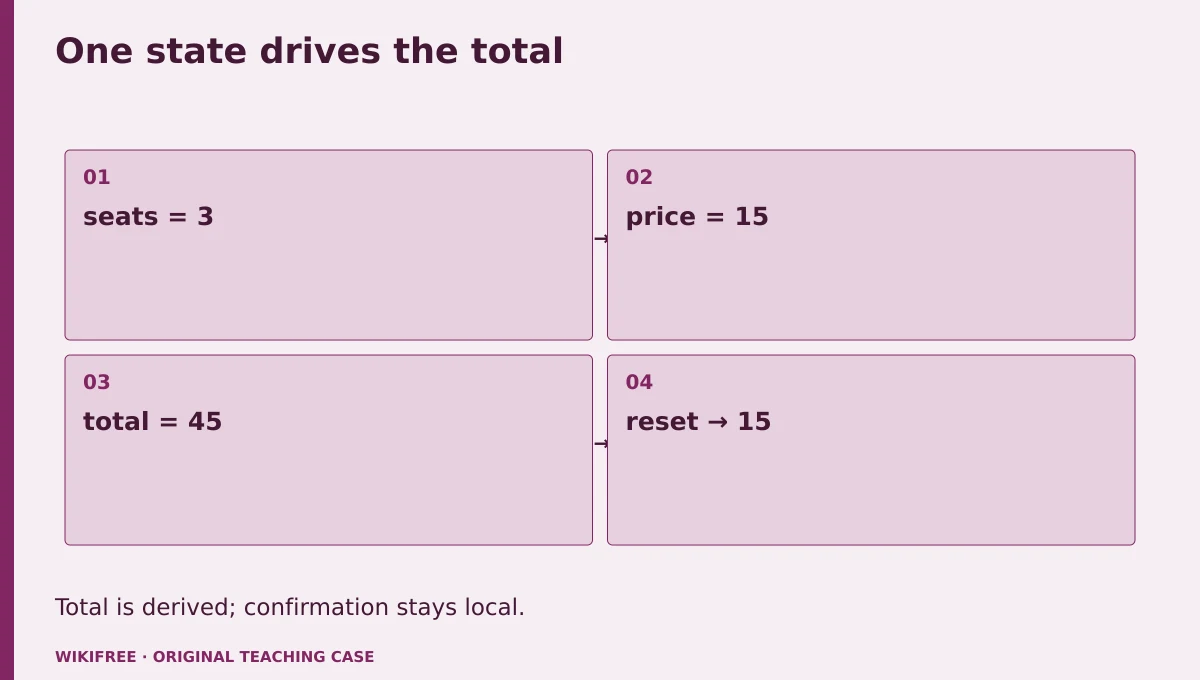
The table and explanations preserve the essential case information when the diagram is unavailable.
Your route
Five outputs, then a final handoff
- 01Separate props and stateState model
About 1h 19m including assigned learning and practice. - 02Build controlled inputsForm component
About 2h 31m including assigned learning and practice. - 03Validate before confirmingSubmission behavior
About 1h 20m including assigned learning and practice. - 04Test reset and derived stateInteraction evidence
About 1h 15m including assigned learning and practice. - 05Prepare an accessible handoffComponent handoff
About 1h including assigned learning and practice. - FINALCapstone reviewCombine the evidence into one inspectable handoff.
About 2h 30m.
0 of 6 outputs checked. JavaScript adds browser-only progress saving.
The complete lesson and all downloads remain available. Use the printable project workbook to track your progress.
Use the minimum useful source material
The courses behind this route
Simplilearn
Free Simplilearn Course: React Components and Front-End Projects
Existing props, state and hooks lessons support the form; current official React state guidance resolves older syntax differences.
Selected material only; this path does not claim completion of the entire provider course.
Course publication and selected public lesson metadata were checked on 13 October 2026. This is not a claim of full video playback, provider-course completion or permanent availability. Recheck the linked source if a lesson changes.
Learn, make, inspect
The five-stage workshop
Separate props and state
Video 19m · reading budget 0m · original practice about 1h .
Props supply values from a parent; state records values that change through interaction. Identify the minimum state needed for the form and derive the total during rendering. Redundant state can drift out of sync. Some provider examples use older class syntax; use the linked current React guidance for this functional-component exercise.
Watch these selected lessons
- Props In React JS — React JS Props — React JS Tutorial For Beginners — Learn React JS7:35
- ReactJS State — ReactJS State Tutorial — SetState In ReactJS — ReactJS Tutorial11:05
Do the work
List name, seats and submission state, then identify derived values.
Save this output
State model
Pass the review gate
Total is derived from seats × 15.
If you need another attempt
Remove any state field that can be calculated from another one.
Build controlled inputs
Video 1h 6m · reading budget 0m · original practice about 1h 25m.
A controlled input displays a value from state and updates that state through an event handler. Numeric form input still needs careful parsing and validation. Keep labels associated with fields and use native form semantics. The interface should communicate errors without relying only on color.
Watch these selected lessons
Do the work
Implement name and seat inputs with visible labels.
Save this output
Form component
Pass the review gate
Typing and selecting update the displayed state without uncontrolled-input warnings.
If you need another attempt
Use consistent initial values and explicit event conversion.
Validate before confirming
Video 0m · reading budget 0m · original practice about 1h 20m.
Validation should follow the case contract and preserve the entered data so a learner can correct it. Do not present a local mock as a server booking. A submit handler should prevent page navigation for this demonstration and show a confirmation only after the name and seat rules pass.
Original application stage. Use your preceding outputs and the supplied case; there is no additional required provider lesson.
Do the work
Add blank-name and seat-range checks plus a local-only confirmation.
Save this output
Submission behavior
Pass the review gate
Three seats show 45 units; invalid input cannot produce a success message.
If you need another attempt
Separate validation errors from the confirmation branch.
Test reset and derived state
Video 0m · reading budget 0m · original practice about 1h 15m.
Reset is a user-facing behavior, not simply clearing the screen. Restore the initial name, one seat, 15-unit total and no confirmation. Test changing seats after an invalid submit and after a successful one. Keep the displayed result connected to the intended current or submitted state.
Original application stage. Use your preceding outputs and the supplied case; there is no additional required provider lesson.
Do the work
Run the behavior checklist and explain whether confirmation stores a snapshot.
Save this output
Interaction evidence
Pass the review gate
Reset returns the documented initial state and total remains consistent.
If you need another attempt
Decide whether a confirmation describes current input or the last submitted snapshot.
Prepare an accessible handoff
Video 0m · reading budget 0m · original practice about 1h .
Keyboard use, labels and readable errors are part of the component’s behavior. Explain the boundary between this local form and a real booking service. The latter would need server validation, persistence and concurrency handling. Document dependencies actually used and do not claim that the local exercise implements those missing pieces.
Original application stage. Use your preceding outputs and the supplied case; there is no additional required provider lesson.
Do the work
Write a README and check keyboard order and error announcement.
Save this output
Component handoff
Pass the review gate
No network request or real reservation is implied by the confirmation.
If you need another attempt
Rename the success text to local preview if it could mislead.
Make the result inspectable
Your final project
Deliver the component, pure validation helper, interaction checklist and README. Demonstrate invalid submission, valid local confirmation, editing after confirmation and reset.
The ZIP includes synthetic input data, a project workbook, worked reference, evidence log, scoring rubric and case-specific materials. Code projects include source and clearly stated local execution requirements.
Use one consistent rubric
| Criterion | Maximum | Evidence |
|---|---|---|
| Evidence and correctness | 30 | Calculations, source use and results match the supplied case; limitations are honest. |
| Required artifacts | 30 | All five stage outputs and the capstone handoff are present and inspectable. |
| Reasoning and decisions | 20 | Choices, assumptions, alternatives and the case-specific critical condition are explained. |
| Reproducibility | 10 | A reviewer can follow the stated steps and distinguish expected from observed results. |
| Clear communication | 10 | Labels, units, structure and evidence references make the work easy to review. |
Score at least 80/100, supply every required artifact, and satisfy the path-specific critical condition. Rework missing evidence before marking complete.
The critical condition
The total is derived consistently and local confirmation is never represented as a real booking.
Compare with a worked reference
With seats=3, total is 3×15=45. Reset sets seats=1 and total becomes 15 automatically. The reference separates pure validation from the UI so the rules can be checked independently, while the actual component still needs browser interaction checks in the learner’s React environment.
Know the boundary
This is a local component exercise, not a deployed app, payment flow or reservation backend.
Questions before you finish
Do I need to finish every source course?
No. This path names selected lessons or reading sections. Complete the full provider course only if it supports your wider goal. The path does not claim equivalence to that course.
How do I know when to advance?
Use the output and review gate in each stage. If evidence is missing or a result conflicts with the case, follow the repair step and retry before advancing.
Can I do the project without paid software?
The selected public provider lessons are free to view. The original case can be completed with paper, a text editor or freely available local tools. Paid exams, certificates, subscriptions and optional provider software are not required for this project.
What does my checklist prove?
It records your own review in this browser only. It does not verify viewing, skill, a provider credential or a real-world deployment.
What if a lesson or tool changes?
Use the linked course and provider page to inspect current availability. Record the change and revisit the relevant assignment; do not invent a replacement lesson or claim an unavailable activity was completed.
Questions & discussion
Share a useful question or correction. Comments appear after moderation. Please avoid personal or sensitive information.