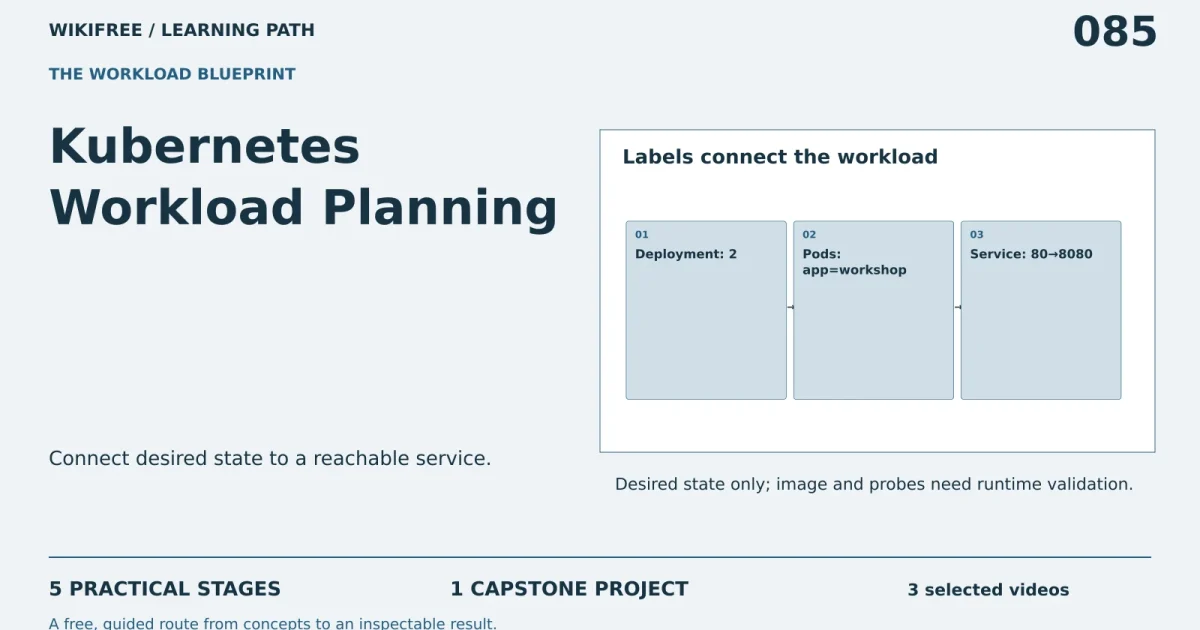
Path 85 · The workload blueprint · Intermediate
Connect desired state to a reachable service.
A guided, practical route through kubernetes workload planning.
What you will be able to do
Draft a small Deployment and Service manifest, explain selector matching and plan readiness and rollback checks.
Plan about 7h 55m in total. Reading and practice are editorial estimates; video runtimes come from public provider metadata. Your pace will vary.
Before you begin
Check your starting point
What you need
Basic containers and YAML. A local cluster is optional for later execution; no cloud account is needed for the design project.
The selected public provider lessons are free to view. The original case can be completed with paper, a text editor or freely available local tools. Paid exams, certificates, subscriptions and optional provider software are not required for this project.
Completing this WikiFree path does not award a provider certificate. Any provider assessment, account requirement or credential must be checked separately on its official page.
Three readiness questions
Does a Service selector need to match pod labels?
Yes.
Is a YAML file evidence of a running cluster?
No.
Does readiness mean the same as process existence?
No.
Use a workable pace
At 5 hours per week, allow about 2 weeks. Start with Stage 1, continue in order and reserve 2h for the capstone. If a gate fails, use its repair step before advancing. At another weekly budget, divide 475 estimated minutes by your available weekly minutes and round up.
Keep a small evidence folder. A checked box means you reviewed your output; it is not a certificate or proof that a provider lesson was watched.
The working case
Labels connect the workload
A fictional static workshop site needs two replicas. Pods carry label app: workshop, the Service selects that label and maps port 80 to container port 8080. The image name is a placeholder until the learner supplies a verified local or approved image.
| Setting | Value |
|---|---|
| Replicas | 2 |
| Pod label | app: workshop |
| Service selector | app: workshop |
| Service port | 80 |
| Container port | 8080 |
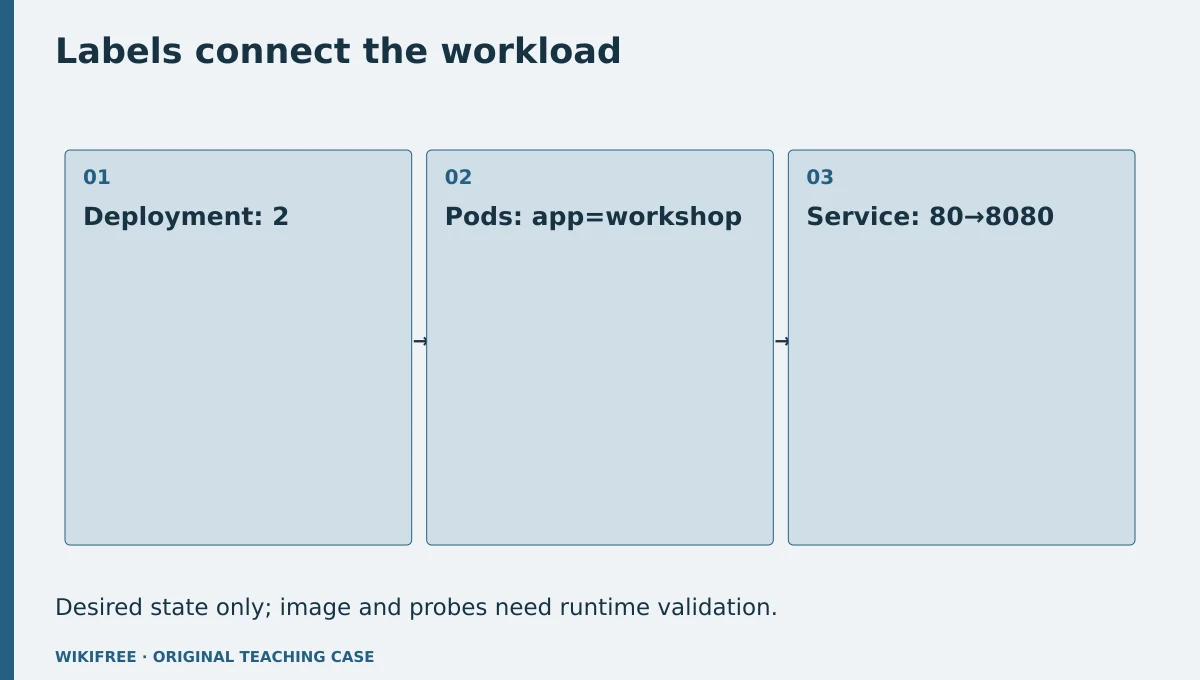
The table and explanations preserve the essential case information when the diagram is unavailable.
Your route
Five outputs, then a final handoff
- 01Map the workload objectsWorkload map
About 1h 21m including assigned learning and practice. - 02Write a consistent manifestManifest draft
About 1h 24m including assigned learning and practice. - 03Plan health and resourcesOperational assumptions
About 1h 10m including assigned learning and practice. - 04Design rollout checksExecution checklist
About 1h 5m including assigned learning and practice. - 05Review the design boundaryWorkload handoff
About 55m including assigned learning and practice. - FINALCapstone reviewCombine the evidence into one inspectable handoff.
About 2h .
0 of 6 outputs checked. JavaScript adds browser-only progress saving.
The complete lesson and all downloads remain available. Use the printable project workbook to track your progress.
Use the minimum useful source material
The courses behind this route
IBM
Free Kubernetes Course: Containers, Pods and Orchestration
The published IBM Kubernetes overview, pod and Deployment lessons support the workload objects used here.
Selected material only; this path does not claim completion of the entire provider course.
Course publication and selected public lesson metadata were checked on 13 October 2026. This is not a claim of full video playback, provider-course completion or permanent availability. Recheck the linked source if a lesson changes.
Learn, make, inspect
The five-stage workshop
Map the workload objects
Video 21m · reading budget 0m · original practice about 1h .
A Deployment manages a desired set of pods; a Service selects matching pods to provide a stable access point. Distinguish the controller, its pod template and the Service. A manifest describes desired state, but actual behavior requires a cluster and a compatible image. This package prepares the design without provisioning infrastructure.
Watch these selected lessons
Do the work
Draw the Deployment–Pods–Service relationship.
Save this output
Workload map
Pass the review gate
The Service selects pod labels rather than the Deployment name alone.
If you need another attempt
Compare the selector with the pod template labels.
Write a consistent manifest
Video 4m · reading budget 0m · original practice about 1h 20m.
Keep selector labels consistent and declare container and target ports deliberately. A mismatched target port can make an apparently running pod unreachable through the Service. Avoid embedding credentials or public load-balancer settings in a learning fixture. Use a placeholder image that must be replaced before execution.
Watch these selected lessons
Do the work
Write the Deployment and ClusterIP Service YAML.
Save this output
Manifest draft
Pass the review gate
Replicas=2 and selector labels match exactly.
If you need another attempt
Compare keys and values character by character.
Plan health and resources
Video 0m · reading budget 0m · original practice about 1h 10m.
Readiness determines whether a pod should receive traffic; liveness concerns restarting an unhealthy container. Probes must match the actual application and should not be copied blindly. Resource requests and limits also need workload evidence. The design should label unverified probe paths and sizing assumptions.
Original application stage. Use your preceding outputs and the supplied case; there is no additional required provider lesson.
Do the work
Add a readiness proposal and resource-assumption table.
Save this output
Operational assumptions
Pass the review gate
No untested probe is described as verified against the placeholder image.
If you need another attempt
Connect each probe to an actual application behavior to test later.
Design rollout checks
Video 0m · reading budget 0m · original practice about 1h 5m.
A rollout check should inspect readiness, endpoints and the served response, not only the presence of a Deployment object. Define a rollback trigger and preserve the previous known-good image reference. This exercise does not execute kubectl or a container engine in the preparation environment.
Original application stage. Use your preceding outputs and the supplied case; there is no additional required provider lesson.
Do the work
Write local-cluster validation and rollback commands as a runbook.
Save this output
Execution checklist
Pass the review gate
Commands are labeled planned, with spaces for actual results.
If you need another attempt
Do not turn expected output into a fabricated cluster log.
Review the design boundary
Video 0m · reading budget 0m · original practice about 55m.
A design review can catch inconsistent labels and ports but cannot prove runtime reachability. Record which checks were static and which need an engine. Avoid exposing the learning Service publicly by default. The final handoff should let a learner run the case in a controlled local cluster when available.
Original application stage. Use your preceding outputs and the supplied case; there is no additional required provider lesson.
Do the work
Complete the manifest review and unresolved-assumption list.
Save this output
Workload handoff
Pass the review gate
Static review and unperformed runtime checks are clearly distinguished.
If you need another attempt
Keep the placeholder-image blocker visible.
Make the result inspectable
Your final project
Deliver the object map, manifests, health assumptions and rollout/rollback checklist. Deliberately change one selector in a copy and show how the review detects the broken relationship.
The ZIP includes synthetic input data, a project workbook, worked reference, evidence log, scoring rubric and case-specific materials. Code projects include source and clearly stated local execution requirements.
Use one consistent rubric
| Criterion | Maximum | Evidence |
|---|---|---|
| Evidence and correctness | 30 | Calculations, source use and results match the supplied case; limitations are honest. |
| Required artifacts | 30 | All five stage outputs and the capstone handoff are present and inspectable. |
| Reasoning and decisions | 20 | Choices, assumptions, alternatives and the case-specific critical condition are explained. |
| Reproducibility | 10 | A reviewer can follow the stated steps and distinguish expected from observed results. |
| Clear communication | 10 | Labels, units, structure and evidence references make the work easy to review. |
Score at least 80/100, supply every required artifact, and satisfy the path-specific critical condition. Rework missing evidence before marking complete.
The critical condition
No placeholder image is presented as deployable or a static manifest as a running workload.
Compare with a worked reference
The Service selector app=workshop matches the pod-template label. Port 80 forwards to targetPort 8080, which must match the actual application listener. Two replicas are desired, not claimed running. Kubernetes and container-engine execution were not performed here.
Know the boundary
This is a reviewed workload design, not a cluster deployment, security hardening review or capacity benchmark.
Questions before you finish
Do I need to finish every source course?
No. This path names selected lessons or reading sections. Complete the full provider course only if it supports your wider goal. The path does not claim equivalence to that course.
How do I know when to advance?
Use the output and review gate in each stage. If evidence is missing or a result conflicts with the case, follow the repair step and retry before advancing.
Can I do the project without paid software?
The selected public provider lessons are free to view. The original case can be completed with paper, a text editor or freely available local tools. Paid exams, certificates, subscriptions and optional provider software are not required for this project.
What does my checklist prove?
It records your own review in this browser only. It does not verify viewing, skill, a provider credential or a real-world deployment.
What if a lesson or tool changes?
Use the linked course and provider page to inspect current availability. Record the change and revisit the relevant assignment; do not invent a replacement lesson or claim an unavailable activity was completed.
Questions & discussion
Share a useful question or correction. Comments appear after moderation. Please avoid personal or sensitive information.