Path 87 · The recovery rehearsal · Intermediate
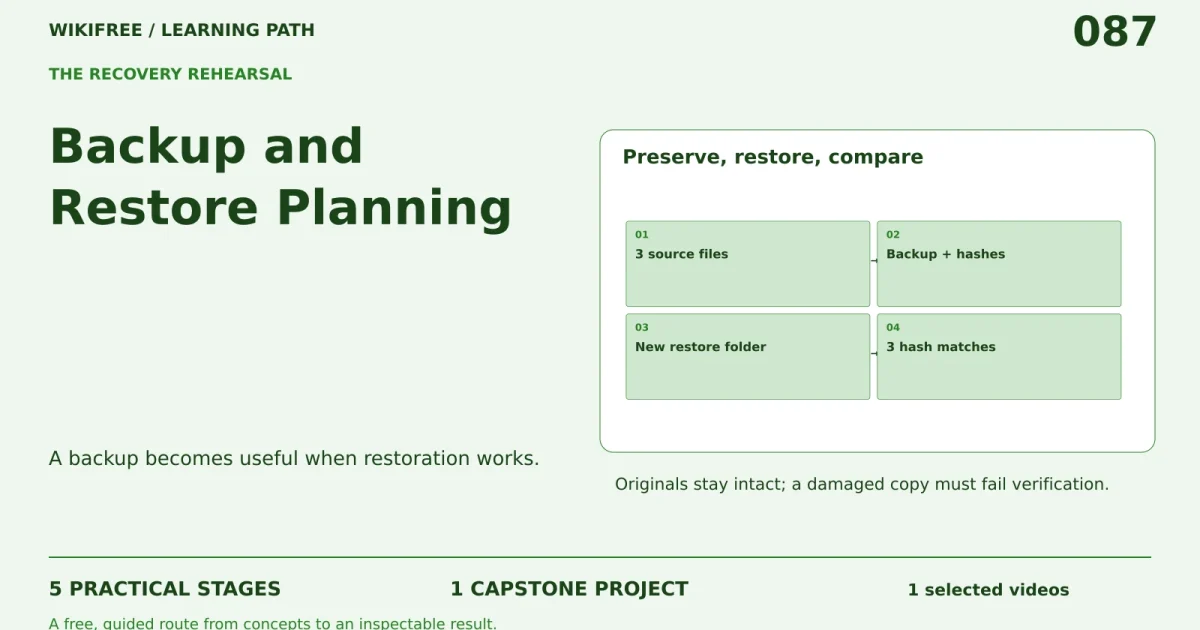
A backup becomes useful when restoration works.
A guided, practical route through backup and restore planning.
What you will be able to do
Create a local backup-and-restore rehearsal with checksums, recovery objectives and evidence that restored files match the fixture.
Plan about 8h 17m in total. Reading and practice are editorial estimates; video runtimes come from public provider metadata. Your pace will vary.
Before you begin
Check your starting point
What you need
Basic file handling and Python. Use only the supplied disposable directory; no production files or cloud subscription are needed.
The selected public provider lessons are free to view. The original case can be completed with paper, a text editor or freely available local tools. Paid exams, certificates, subscriptions and optional provider software are not required for this project.
Completing this WikiFree path does not award a provider certificate. Any provider assessment, account requirement or credential must be checked separately on its official page.
Three readiness questions
Does successful copying prove restoration?
No. Restore and inspect the result.
What does RPO describe?
The acceptable data-loss window.
Should this practice delete live files?
No. Use isolated fixtures and a separate restore directory.
Use a workable pace
At 5 hours per week, allow about 2 weeks. Start with Stage 1, continue in order and reserve 2h for the capstone. If a gate fails, use its repair step before advancing. At another weekly budget, divide 497 estimated minutes by your available weekly minutes and round up.
Keep a small evidence folder. A checked box means you reviewed your output; it is not a certificate or proof that a provider lesson was watched.
The working case
Preserve, restore, compare
A fictional workshop keeps three small planning files. Backups are taken every 24 hours; the stated recovery-point objective is 24 hours and the recovery-time objective is 30 minutes. A local rehearsal restores into a new directory and compares hashes. No original file is deleted.
| File | Purpose |
|---|---|
| agenda.txt | session order |
| contacts.csv | synthetic contacts |
| checklist.txt | setup tasks |
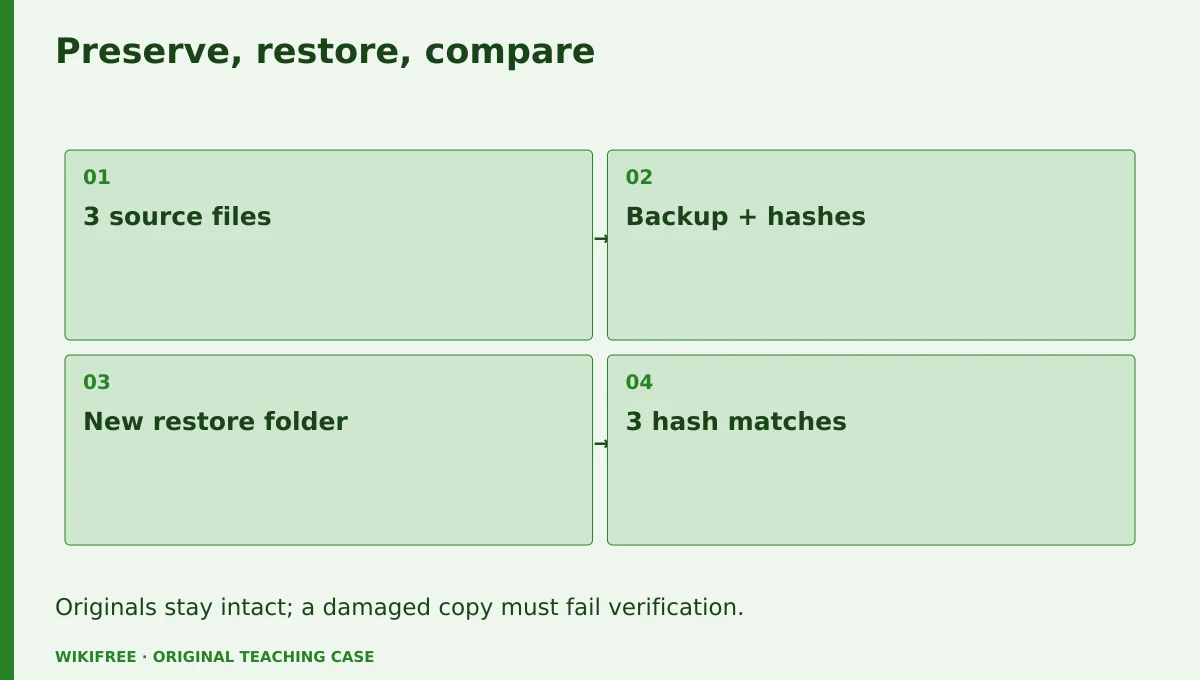
The table and explanations preserve the essential case information when the diagram is unavailable.
Your route
Five outputs, then a final handoff
- 01Separate recovery objectivesRecovery objective sheet
About 1h 42m including assigned learning and practice. - 02Create a verifiable backupBackup and manifest
About 1h 15m including assigned learning and practice. - 03Restore into isolationRestore evidence
About 1h 20m including assigned learning and practice. - 04Test a damaged copyIntegrity-failure demonstration
About 1h 5m including assigned learning and practice. - 05Write a recovery runbookRecovery handoff
About 55m including assigned learning and practice. - FINALCapstone reviewCombine the evidence into one inspectable handoff.
About 2h .
0 of 6 outputs checked. JavaScript adds browser-only progress saving.
The complete lesson and all downloads remain available. Use the printable project workbook to track your progress.
Use the minimum useful source material
The courses behind this route
Microsoft
Free Azure VMware Course: Migration and Disaster Recovery
The existing disaster-recovery lesson provides architectural context; local backup mechanics are original practice and avoid paid cloud prerequisites.
Selected material only; this path does not claim completion of the entire provider course.
Course publication and selected public lesson metadata were checked on 13 October 2026. This is not a claim of full video playback, provider-course completion or permanent availability. Recheck the linked source if a lesson changes.
Learn, make, inspect
The five-stage workshop
Separate recovery objectives
Video 42m · reading budget 0m · original practice about 1h .
Disaster-recovery architecture distinguishes the data-loss window from the time needed to restore service. The provider lesson uses Azure VMware as context; this project practices the concepts with local files and does not provision paid infrastructure. Define what must be recovered and how the result will be checked.
Watch these selected lessons
Do the work
Write the recovery scope, RPO and RTO for the fixture.
Save this output
Recovery objective sheet
Pass the review gate
24 hours refers to the data window and 30 minutes to recovery time.
If you need another attempt
Label each objective with its meaning rather than only its acronym.
Create a verifiable backup
Video 0m · reading budget 0m · original practice about 1h 15m.
Record a file inventory and cryptographic checksums before packaging. A checksum detects byte changes; it does not prove the content is semantically correct. Keep the backup separate from the input directory and preserve timestamps in the log where useful. The reference only packages known fixture files.
Original application stage. Use your preceding outputs and the supplied case; there is no additional required provider lesson.
Do the work
Create the backup archive and a SHA256 manifest.
Save this output
Backup and manifest
Pass the review gate
All three expected files are present and the original hashes are recorded.
If you need another attempt
Compare the inventory with the intended recovery scope.
Restore into isolation
Video 0m · reading budget 0m · original practice about 1h 20m.
Restore into a newly created task directory and refuse to overwrite an existing destination. Validate archive paths before extraction so entries cannot escape the target. The exercise never deletes originals. Compare every restored file hash with the manifest and report missing or extra files.
Original application stage. Use your preceding outputs and the supplied case; there is no additional required provider lesson.
Do the work
Run the restore rehearsal and inspect the comparison report.
Save this output
Restore evidence
Pass the review gate
All three restored files match and no path outside the task directory is written.
If you need another attempt
Stop on an unsafe path or an existing destination.
Test a damaged copy
Video 0m · reading budget 0m · original practice about 1h 5m.
A useful rehearsal includes a failure case. Modify one file in a separate restored test copy and confirm that the verifier detects it. A failed checksum should not be ignored because the filename looks right. Record the response and retain the original valid backup for comparison.
Original application stage. Use your preceding outputs and the supplied case; there is no additional required provider lesson.
Do the work
Alter the test-copy agenda and rerun verification.
Save this output
Integrity-failure demonstration
Pass the review gate
The changed file is reported as a mismatch.
If you need another attempt
Compare bytes or hashes rather than file names alone.
Write a recovery runbook
Video 0m · reading budget 0m · original practice about 55m.
A runbook names the backup location, required tools, verification steps and decision owner. Timing a tiny local rehearsal does not establish a real system’s RTO. Record actual elapsed time only if measured and label the small scope. Plan periodic rehearsal without claiming that an external schedule was created.
Original application stage. Use your preceding outputs and the supplied case; there is no additional required provider lesson.
Do the work
Write the step-by-step recovery procedure and review checklist.
Save this output
Recovery handoff
Pass the review gate
The runbook distinguishes a planned objective from a demonstrated production recovery time.
If you need another attempt
Remove unsupported claims that the 30-minute objective was proven.
Make the result inspectable
Your final project
Deliver the fixture, archive, manifest, successful restore report, corrupted-copy detection and runbook. Explain what additional evidence would be needed for a real service recovery claim.
The ZIP includes synthetic input data, a project workbook, worked reference, evidence log, scoring rubric and case-specific materials. Code projects include source and clearly stated local execution requirements.
Use one consistent rubric
| Criterion | Maximum | Evidence |
|---|---|---|
| Evidence and correctness | 30 | Calculations, source use and results match the supplied case; limitations are honest. |
| Required artifacts | 30 | All five stage outputs and the capstone handoff are present and inspectable. |
| Reasoning and decisions | 20 | Choices, assumptions, alternatives and the case-specific critical condition are explained. |
| Reproducibility | 10 | A reviewer can follow the stated steps and distinguish expected from observed results. |
| Clear communication | 10 | Labels, units, structure and evidence references make the work easy to review. |
Score at least 80/100, supply every required artifact, and satisfy the path-specific critical condition. Rework missing evidence before marking complete.
The critical condition
Restoration is isolated, originals remain intact and unsafe archive paths are rejected.
Compare with a worked reference
A 24-hour backup interval can imply up to roughly 24 hours of lost changes under this simplified schedule, but missed backups would worsen it. Hash equality confirms byte-for-byte restoration of the three fixture files. It does not prove recovery of an application or its dependencies.
Know the boundary
This is a local file-recovery rehearsal, not Azure deployment, a production backup or a validated business-continuity plan.
Questions before you finish
Do I need to finish every source course?
No. This path names selected lessons or reading sections. Complete the full provider course only if it supports your wider goal. The path does not claim equivalence to that course.
How do I know when to advance?
Use the output and review gate in each stage. If evidence is missing or a result conflicts with the case, follow the repair step and retry before advancing.
Can I do the project without paid software?
The selected public provider lessons are free to view. The original case can be completed with paper, a text editor or freely available local tools. Paid exams, certificates, subscriptions and optional provider software are not required for this project.
What does my checklist prove?
It records your own review in this browser only. It does not verify viewing, skill, a provider credential or a real-world deployment.
What if a lesson or tool changes?
Use the linked course and provider page to inspect current availability. Record the change and revisit the relevant assignment; do not invent a replacement lesson or claim an unavailable activity was completed.
Questions & discussion
Share a useful question or correction. Comments appear after moderation. Please avoid personal or sensitive information.