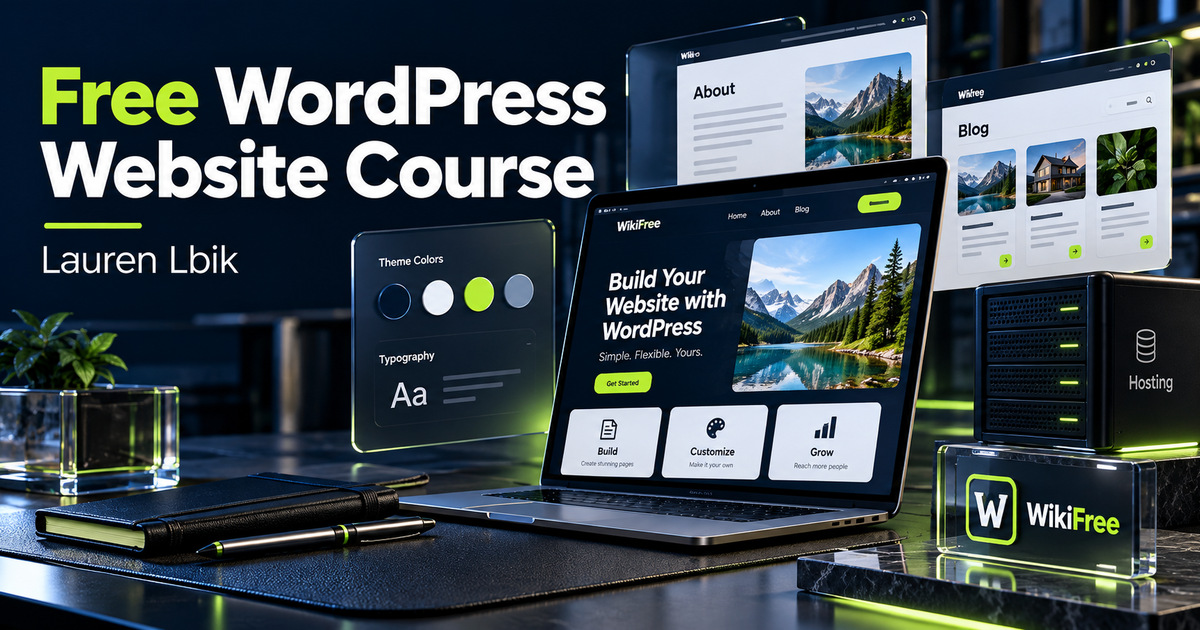
Listed as Free on Udemy when checked on 24 October 2026. No coupon or subscription trial is required for the listed lessons. Enrollment needs a Udemy account; availability can change.
About this course
Building a first website involves several connected decisions: who it serves, where it runs, how visitors move through it and what they should read. This free course follows that sequence from the initial idea to a small WordPress site.
Lauren Lbik covers domain and hosting setup, themes, dashboard navigation, brand choices, essential pages and a first blog post. It is aimed at beginners who want an approachable introduction rather than custom development.
| Official course | Create a Website: Hosting, WordPress Setup, and Blog Design |
|---|---|
| Created by | Lauren Lbik |
| Platform | Udemy |
| Language | English |
| Level | Beginner — Udemy listing |
| Listed duration | 78 minutes; 24 lectures across 4 sections |
| Certificate | Not included with a new free enrollment |
Skills you’ll gain
- Define an audience and initial website purpose
- Distinguish domains, hosting and the WordPress application
- Navigate themes, plugins, pages and posts
- Arrange homepage, footer and menu content
- Prepare an about page, contact page and article archive
- Publish an introductory post with appropriate images
The opening section compares website types and platforms and helps learners choose a niche. The setup section uses a hosting dashboard, installs a theme, introduces WordPress navigation and discusses colors, logos, plugins and images. These are separate design and administration choices rather than one automatic setup process.
The page-design section works through a homepage, footer, about page, contact page, legal pages, resources page, menus and an email opt-in. It then introduces a blog archive and first post before closing with launch and audience-development considerations. Generic legal-page examples are not legal advice or a guarantee of compliance.
No coding or technical background is required. The listing gives 78 minutes across 24 lectures. The course was updated in 2022; dashboard screens, theme controls and plugin features may now differ, so compare each demonstrated action with current documentation before changing a live site.
Viewing the recorded course is separate from paying for a domain, hosting, premium themes or email services. A local WordPress installation with a free theme lets you practice pages, menus and posts without a public hosting bill. That alternative will not reproduce domain registration, public email delivery or every hosting-control-panel lesson.
Frequently asked questions
Is the website itself completely free to operate?
Not necessarily. The lessons are free, but a public domain, hosting and optional services may cost money.
Can I follow the main lessons locally?
Yes. Local WordPress can support page, theme and post practice, but it does not reproduce all public hosting and email features.
Will the interface look exactly like the videos?
It may not. The listing was updated in 2022, so current versions and themes can use different screens.
Checked on 24 October 2026 using the public course details and syllabus. WikiFree has not watched every lesson or tested full playback. New free enrollments do not include a Udemy completion certificate, instructor Q&A or direct messages.
Questions & discussion
Share a useful question or correction. Comments appear after moderation. Please avoid personal or sensitive information.