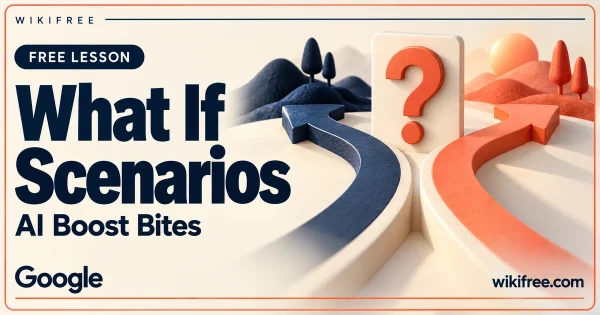
Create Visual What-If Scenarios with AI: Free Google Micro-Lesson
Explore creating an imagined before-and-after image by describing a scene and an action in an AI prompt.
BeginnerRead details
Explore free study options. Check the provider, prerequisites, and certificate details before you begin.
285 courses
Explore creating an imagined before-and-after image by describing a scene and an action in an AI prompt.
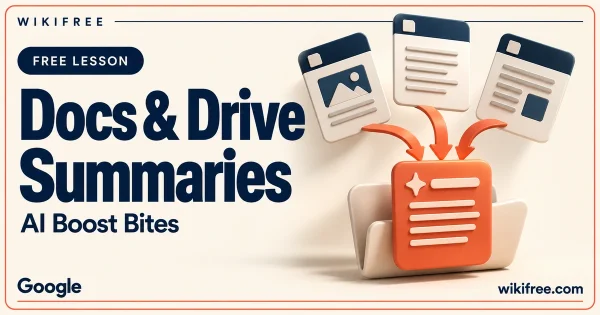
Explore summaries of documents, selected text and multiple Drive files in a short Gemini demonstration.
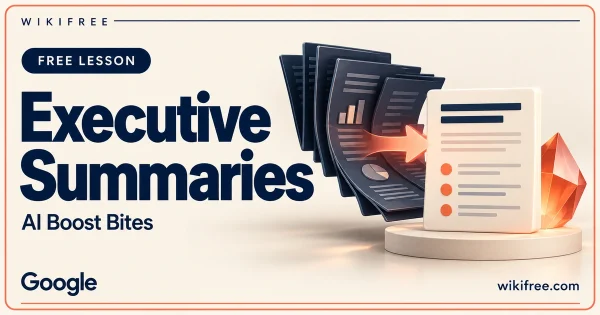
Explore configuring a Brevity Gem to turn notes and long documents into concise executive-facing summaries.
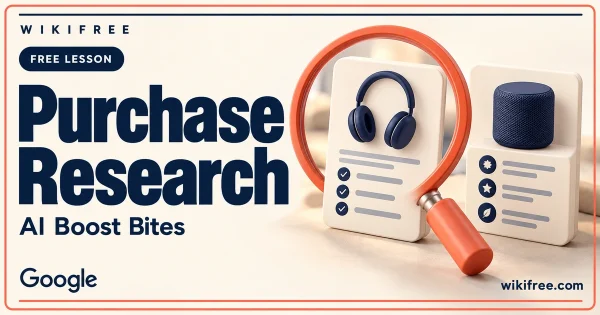
Explore using a nuanced personal prompt to request a comparative product-research report with Gemini Deep Research.
Explore a custom Pomodoro-style timer prototype and learn to translate a small personal workflow into clear app requirements.
Explore step-by-step scene edits and visual remixing in the Gemini app through a short art-direction example.
See an animated bar-chart race built with Gemini Canvas, with practical guidance for keeping motion faithful to the underlying data.
Explore a weather-app prototype with city and forecast views, then learn what to check before treating displayed information as live data.
See how notes can become an interactive revision quiz, with a clear approach to checking generated questions and answers.
Follow a Tic-Tac-Toe prototype from an initial prompt to a retro visual style and a shareable Canvas experience.
Explore configuring a Work with Me Gem for foundational feedback and more focused meeting preparation.
Explore Drive-referenced slide creation and image prompting in a short Google Slides demonstration.