Listed as Free on Udemy when checked on 24 October 2026. No coupon or subscription trial is required for the listed lessons. Enrollment needs a Udemy account; availability can change.
About this course
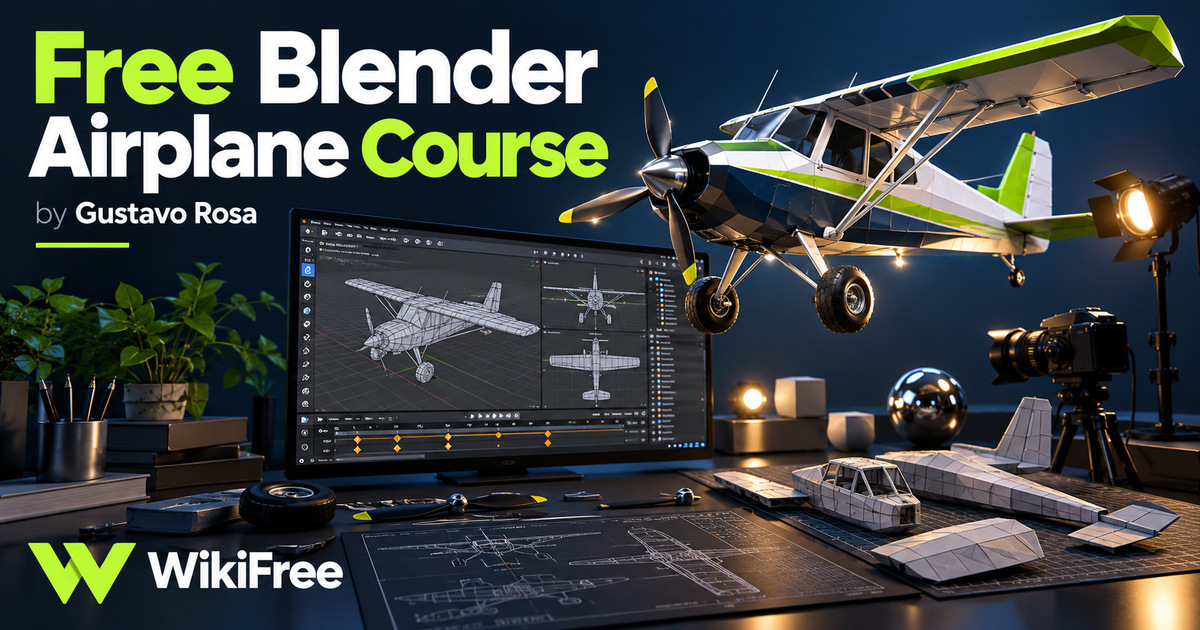
Creating one small scene can make Blender’s many controls easier to connect. This free crash course uses a flying airplane to link object navigation, polygon modeling, materials, animation, lighting and rendering.
Gustavo Rosa starts with the interface and builds toward a simple animated result. The project is an introduction to a 3D workflow, with a limited set of tools, rather than a full modeling or animation curriculum.
| Official course | Free Blender Crash Course! |
|---|---|
| Created by | Gustavo Rosa |
| Platform | Udemy |
| Language | English |
| Level | Beginner — Udemy listing |
| Listed duration | 157 minutes; 15 lectures across 1 sections |
| Certificate | Not included with a new free enrollment |
Skills you’ll gain
- Navigate a 3D scene and transform objects
- Work with vertices, edges and faces in edit mode
- Shape an airplane body and a separate propeller
- Assign basic materials to modeled geometry
- Use parenting and keyframes to coordinate movement
- Position a light and camera for a rendered animation
The first seven lessons introduce navigation, selection, object creation and polygon editing. The modeling sequence then concentrates on the airplane and propeller. Materials follow the geometry, so learners can connect the appearance of a surface to the faces they have created.
The later lessons parent the propeller to the aircraft, introduce keyframes and animate the plane. Lighting, camera placement and output settings complete the published sequence. The outline explicitly includes a flying-plane scene; it does not advertise character rigging, sculpting, simulations or advanced production compositing.
There are 15 lectures in one section, totaling 157 minutes in the listing. Requirements are basic computer skills, a machine supporting OpenGL 3.3 and Blender 2.8 or later. The recordings date from the Blender 2.8 era, so a newer installation may display different menus or render options. Current project-file compatibility has not been tested.
Blender itself provides a free route to practice. Use a blank project and simple geometry while following the object and animation concepts, and compare any changed controls with the documentation for your installed version. Rendering takes additional time beyond the video duration and depends on the computer and scene settings.
Frequently asked questions
What project does the course describe?
A simple flying airplane scene, including modeling the plane and propeller, applying materials and creating animation.
Is a paid 3D application necessary?
No. Blender is free software, although a compatible computer is required.
Will every control match the newest Blender release?
Not necessarily. The course targets the Blender 2.8 period, and current interfaces and render settings may differ.
Checked on 24 October 2026 using the public course details and syllabus. WikiFree has not watched every lesson or tested full playback. New free enrollments do not include a Udemy completion certificate, instructor Q&A or direct messages.
Questions & discussion
Share a useful question or correction. Comments appear after moderation. Please avoid personal or sensitive information.