Listed as Free on Udemy when checked on 22 October 2026. No coupon or subscription trial is required for the listed lessons. Enrollment needs a Udemy account; availability can change.
About this course
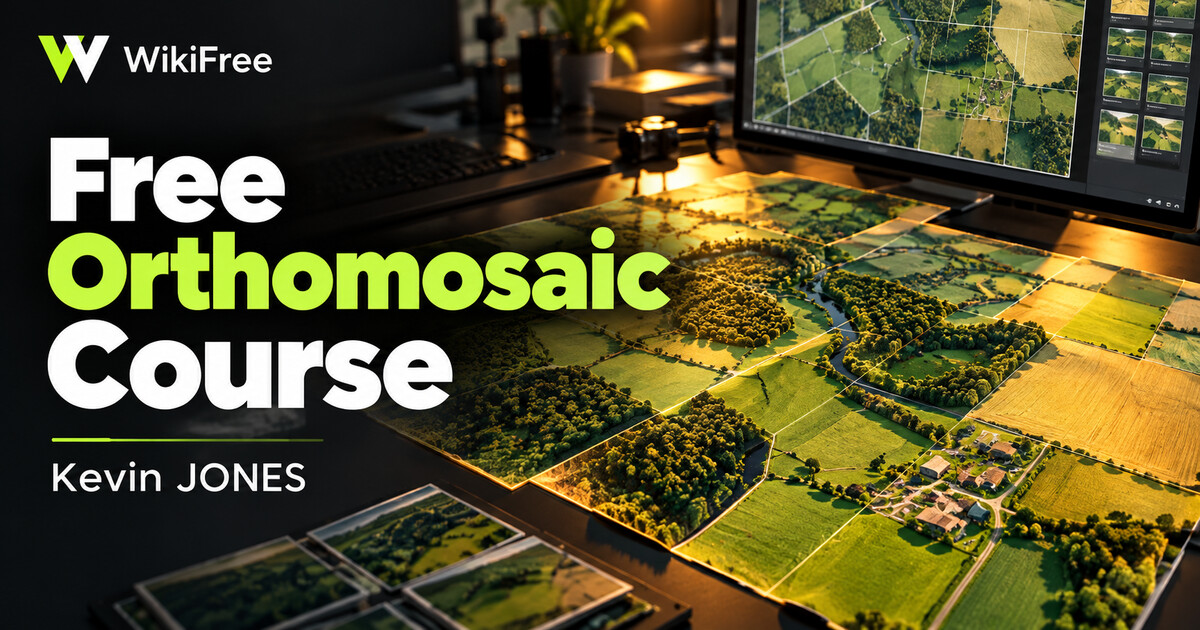
An aerial mosaic should read as one coherent image, even when its source photographs differ. Kevin JONES demonstrates a Geomatica workflow that moves from project preparation and block adjustment to mosaic editing, color balancing and final export.
The 36-minute listing contains six lectures across four sections. It includes a multi-user editing setup and post-export touch-ups, making it a focused workflow demonstration for learners already familiar with aerial imagery.
| Official course | PCI Geomatics – Creating seamless mosaics from Air photos |
|---|---|
| Created by | Kevin JONES |
| Platform | Udemy |
| Language | English |
| Level | Intermediate — Udemy listing |
| Listed duration | 36 minutes; 6 lectures across 4 sections |
| Certificate | Not included with a new free enrollment |
Skills you’ll gain
- Describing the preparation of an aerial-image mosaic
- Understanding the role of block adjustment and registration
- Following a staged color-balancing and editing process
- Recognizing collaborative editing and export checkpoints
Prior knowledge of ground control, tie points, cutlines and other photogrammetric concepts is expected. This is not a first introduction to maps or an assurance that a learner’s output will meet survey accuracy requirements.
The demonstration uses licensed Geomatica desktop software. Watching the course is free, but reproducing its exact interface and processing steps requires separate access to that software; no permanent free license is included. The referenced sample imagery is described as available for non-commercial instructional use, and its terms and download availability should be checked before use.
For a free route into general raster and geospatial practice, QGIS is an open-source option. It is not a drop-in replacement for this proprietary workflow or its collaborative mosaic editor. The instructor estimates two to three hours with practice, while the published recorded duration is 36 minutes; individual completion time will vary.
QGIS downloads: a free geospatial tool for related practice, with a different workflow.
Frequently asked questions
Is the demonstrated software included?
No. The exact Geomatica workflow needs separately licensed software access.
Can a complete beginner start here?
The instructor expects aerial-photo and photogrammetry fundamentals.
Is 36 minutes the full practice time?
It is the recorded duration. The instructor suggests two to three hours with practice, which is an estimate.
Checked on 22 October 2026 using the public course details and syllabus. WikiFree has not watched every lesson or tested full playback. New free enrollments do not include a Udemy completion certificate, instructor Q&A or direct messages.
Questions & discussion
Share a useful question or correction. Comments appear after moderation. Please avoid personal or sensitive information.