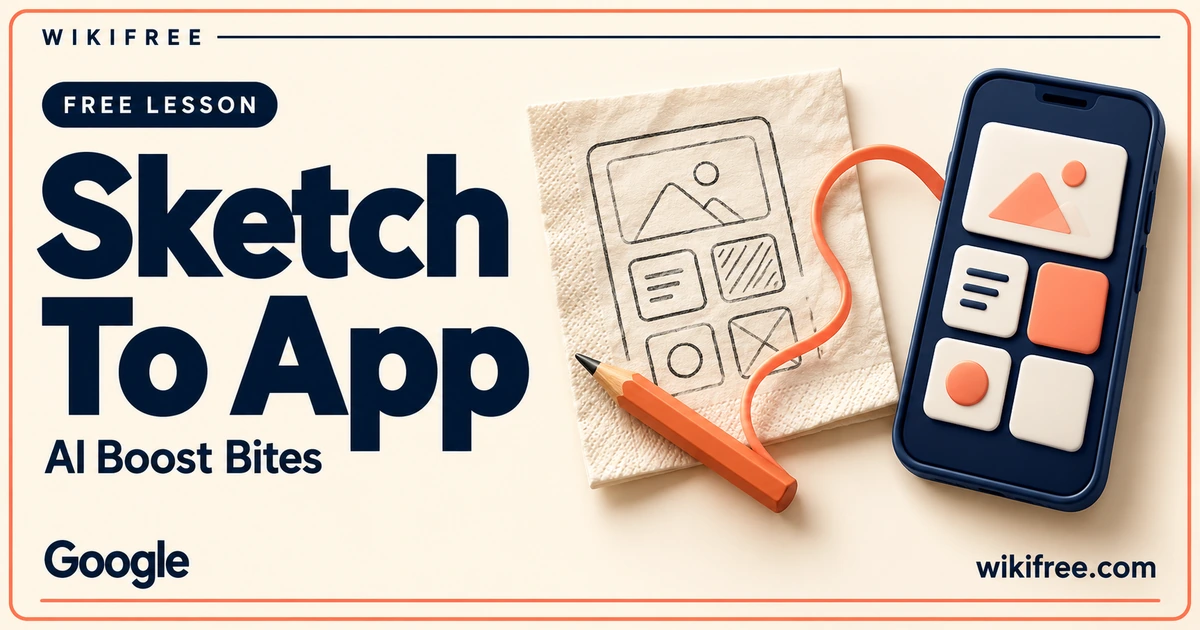
A rough drawing can be enough to explain an interface idea. This Google AI Boost Bites micro-lesson demonstrates how Gemini Canvas can take a sketch, generate an app prototype and respond to further instructions while you inspect a live preview. It offers a quick introduction to a visual way of communicating what you want to build.
The scope is deliberately small: one demonstration and a knowledge check. Expect a starting point for experimenting with prototypes, rather than a complete web-development course or a guarantee that generated code is ready for real users.
Course at a glance
| Provider | |
|---|---|
| Platform | Google Skills |
| Level | Beginner |
| Language | English |
| Estimated study time | 10–15 minutes; official displayed estimates differ, individual study time varies. |
| Format | Self-paced micro-lesson with one topic demonstration and a required knowledge check. |
| Access | Free instruction; free Google Skills account required. Product and practical access are separate. |
| Recognition | Course completion badge advertised after required activities; no professional certification or academic credit. |
What you’ll learn
- See a drawing used as the starting input for a Gemini Canvas app prototype.
- Follow the relationship between a visual idea, generated code and the live preview.
- Observe how natural-language follow-up instructions refine the initial result.
- Recognize why a functioning preview still needs testing before an app is shared.
Skills you’ll gain
- Visual requirements communication
- AI-assisted prototyping
- Iterative interface refinement
- Prototype review
Make an idea specific enough to build
The interesting part of the lesson is the handoff between a picture and an interactive result. A sketch can communicate the placement of a button, a list or a panel more directly than a long description. The demonstration makes that handoff visible, giving beginners a concrete example of what AI-assisted prototyping looks like.
For your own optional practice, start with a single screen and one purpose. Label the controls and describe what should happen when someone uses them. A request such as “show three tasks and let me mark one complete” is easier to evaluate than an open-ended request for a polished productivity platform.
Refine the behavior before the decoration
A live preview gives you something tangible to discuss. Use it to decide whether the prototype follows the drawing and whether its controls do what you intended. Then make one focused change at a time, keeping working behavior intact while you adjust layout, wording or visual emphasis.
A useful personal review is to try an empty input, a repeated action and a refresh. Check whether text remains legible on a narrow screen and whether the prototype can be used without relying only on color. These are suggested review steps, not additional assignments or capabilities promised by the micro-lesson.
Where this short lesson fits
This lesson suits people who can describe a useful interface but have not yet found a convenient way to explore it. Designers, marketers and small project teams may find the sketch-to-preview workflow helpful when discussing an idea before investing in a fuller implementation.
Treat the generated result as a prototype. Authentication, data storage, security, accessibility and deployment require separate decisions, and an attractive preview does not prove they have been solved. If a prototype handles personal or business information, obtain appropriate technical review before using it in a live workflow.
Free learning and practical access
The complete advertised instruction is free on Google Skills with a free learner account. Reproducing the demonstration in Gemini Canvas depends on the product features and usage limits available to your account; this listing does not promise unlimited generation or included deployment. You can learn the workflow from the demonstration without buying a subscription, starting a trial or entering payment-card details. Google advertises a course completion badge after the required activities. It is not a professional certification or academic credit.
Explore more learning options in the free course catalogue.
Frequently asked questions
Is this a full app-development course?
No. It is a short sketch-to-prototype demonstration with a knowledge check. It does not replace training in development, testing or secure deployment.
Do I need to know how to code to watch it?
The introductory demonstration is suitable for learners exploring visual and natural-language prototyping. Reviewing or extending generated code can require additional technical skills.
Can I publish the generated app immediately?
A working preview is not evidence of production readiness. Test the behavior and review security, data handling and accessibility before making a prototype public.
Questions & discussion
Share a useful question or correction. Comments appear after moderation. Please avoid personal or sensitive information.