Career studio / Programming Fundamentals
Build evidence for the Android Developer role
A learner needs a simple study-session tracker that keeps data across screen recreation and shows a clear empty state. Begin with Kotlin concepts before building the app.
Your outcome: Android study tracker with state model, screen flow and test checklist.
Start with the right expectations
Who this is for
Basic programming concepts; Android implementation requires a capable computer and local SDK tools.
This path develops a demonstrable work sample for the named role. It does not replace employer-specific experience, professional qualifications or supervised practice.
Plan your study time
Use a flexible six-week project schedule: one week for each of the first four stages and two weeks for the portfolio and review. Allow roughly 3–5 hours per week for the case work, in addition to course study. This is a planning suggestion, not a measured course duration or a promise of job readiness.
Read the course access notes before starting. Free viewing or reading does not automatically include certificates, graded assessments, software licences or paid cloud resources. Core case work can be documented with a free editor and spreadsheet; optional implementation tools may have additional requirements.
Your course sequence
Start in the order below. Use the course outline to select the sections relevant to the stage tasks, and complete foundation exercises before moving on. Full provider courses can be substantially longer than this project schedule. These are course resources, not a claimed count of individual lessons.
Resource 01 / Google
Google Introduction to Programming in Kotlin: Free Beginner Pathway
Purpose: Build the foundations. Connect your notes to the case tasks below rather than only collecting completion marks.
- Write a small working program: understand a main function, print messages and change the output.
- Store and update information: define variables, distinguish values that can change from those that cannot, and choose basic data types.
- Combine text and values: use string templates to make output depend on a program’s data.
Access: Free public introductory Kotlin pathway and browser Kotlin Playground practice; required lessons list computer/internet/browser only. No paid tool, subscription, credit card, trial or installation required for this pathway. Reading and ordinary Playground practice need no login; optional quiz badge uses a free standard Google developer profile.
Certificate: Introduction to Programming in Kotlin developer-profile badge offered through pathway quiz. No formal certificate, academic credit or professional accreditation promised.
Resource 02 / Google
Google Modern Android App Architecture: Free Learning Pathway
Purpose: Develop the role-specific method. Connect your notes to the case tasks below rather than only collecting completion marks.
- Separate responsibilities: distinguish the UI and data layers, and understand when an optional domain layer is useful.
- Explain state and events: follow how a user action changes data and how updated state reaches the screen.
- Organise data access: understand repositories, data sources and the purpose of a single source of truth.
Access: Free public nine-article pathway, optional videos and knowledge quiz; no required coding lab, cloud account, fee, subscription, card or trial. Reading needs no account. Optional local implementation uses royalty-free Android Studio/SDK; computer/emulator system requirements apply.
Certificate: Architecture developer-profile badge offered through pathway quiz with free standard Google developer profile. No formal certificate, academic credit or accreditation promised.
Resource 03 / Simplilearn
Free Simplilearn Course: Android App Development Fundamentals
Purpose: Strengthen practical application. Connect your notes to the case tasks below rather than only collecting completion marks.
- Explore android application concepts, interface design, graphics, networking and device-related demonstrations.
- Follow the selected explanations of UI Design, Device Features and App Structure.
- Connect concepts to lessons such as Introduction To Android Application Development.
Access: Free Video
Certificate: Free video viewing; Simplilearn certificate not included
Learn, make, check
Keep a decision log as you work. For each stage, capture the assumption, your work product, a check and the change you made after that check. The acceptance criterion is the stopping condition for the stage.
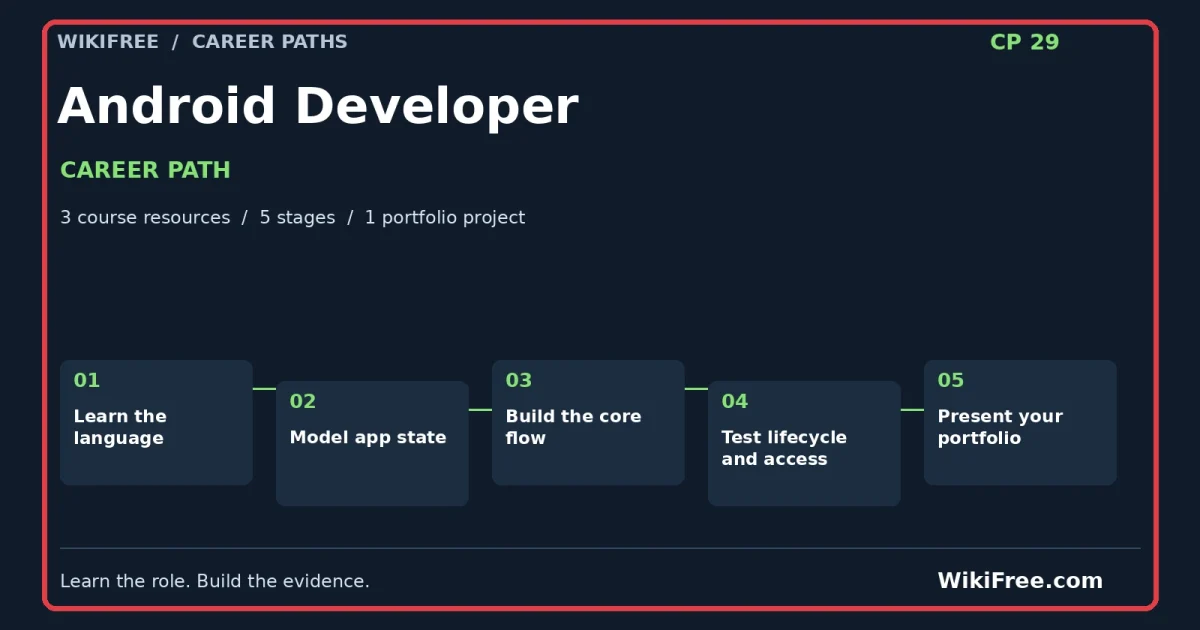
Stage 1 / suggested project week 1
Learn the language
Understand: Types, conditions and functions support predictable behavior.
Make: Implement small Kotlin exercises for validating a session duration and formatting totals.
Check before moving on: Reject negative duration and explain the chosen upper bound.
Study companion: Google Introduction to Programming in Kotlin: Free Beginner Pathway. Use its relevant lessons and examples; the independent WikiFree task is not a provider assessment.
Save as evidence: a dated work product and a short note explaining one choice, one alternative and one remaining uncertainty.
Stage 2 / suggested project week 2
Model app state
Understand: UI state should have a clear source of truth.
Make: Sketch session data, loading, empty and error states before connecting screens.
Check before moving on: Do not store important state only in a transient visual element.
Study companion: Google Modern Android App Architecture: Free Learning Pathway. Use its relevant lessons and examples; the independent WikiFree task is not a provider assessment.
Save as evidence: a dated work product and a short note explaining one choice, one alternative and one remaining uncertainty.
Stage 3 / suggested project week 3
Build the core flow
Understand: A small usable flow is better than many incomplete screens.
Make: Create add-session, list-session and total-time behavior.
Check before moving on: State explicitly whether data persist after app restart.
Study companion: Free Simplilearn Course: Android App Development Fundamentals. Use its relevant lessons and examples; the independent WikiFree task is not a provider assessment.
Save as evidence: a dated work product and a short note explaining one choice, one alternative and one remaining uncertainty.
Stage 4 / suggested project week 4
Test lifecycle and access
Understand: Mobile behavior includes lifecycle changes and touch interaction.
Make: Test rotation or recreation, large text, empty data and invalid input on an actual emulator/device when available.
Check before moving on: Record what ran; a wireframe is not an installed Android app.
Study companion: Free Simplilearn Course: Android App Development Fundamentals. Use its relevant lessons and examples; the independent WikiFree task is not a provider assessment.
Save as evidence: a dated work product and a short note explaining one choice, one alternative and one remaining uncertainty.
Stage 5 / suggested project weeks 5–6
Present your portfolio
Assemble the four work products into Android study tracker with state model, screen flow and test checklist. Write a README explaining the problem, your assumptions, the decisions you made, tests actually performed and what remains incomplete.
Give a five-minute walkthrough: one minute for the problem, two for the work and evidence, one for trade-offs and one for the next improvement. If you have not implemented a proposed system, label it a design or prototype rather than a deployed solution.
Acceptance: a reviewer can locate each work product, reproduce the key reasoning and identify the limits without a private explanation from you.
The portfolio brief
A learner needs a simple study-session tracker that keeps data across screen recreation and shows a clear empty state. Begin with Kotlin concepts before building the app.
Deliver: Android study tracker with state model, screen flow and test checklist.
| session id | topic | duration minutes |
|---|---|---|
| S 1 | Kotlin functions | 25 |
| S 2 | UI state | 40 |
| S 3 | Input validation | 15 |
Use these small inputs to make the reasoning visible. They are not a representative dataset, a real client engagement or evidence of production performance. Where the brief requires additional sample records, create them yourself, label them synthetic and explain why you added them.
The ZIP includes the case CSV, four stage worksheets, course sequence, decision log, test log, portfolio README template, review rubric and reference reasoning. It is a starter kit for your work, not a completed application, professional report or proprietary project file.
Check your reasoning
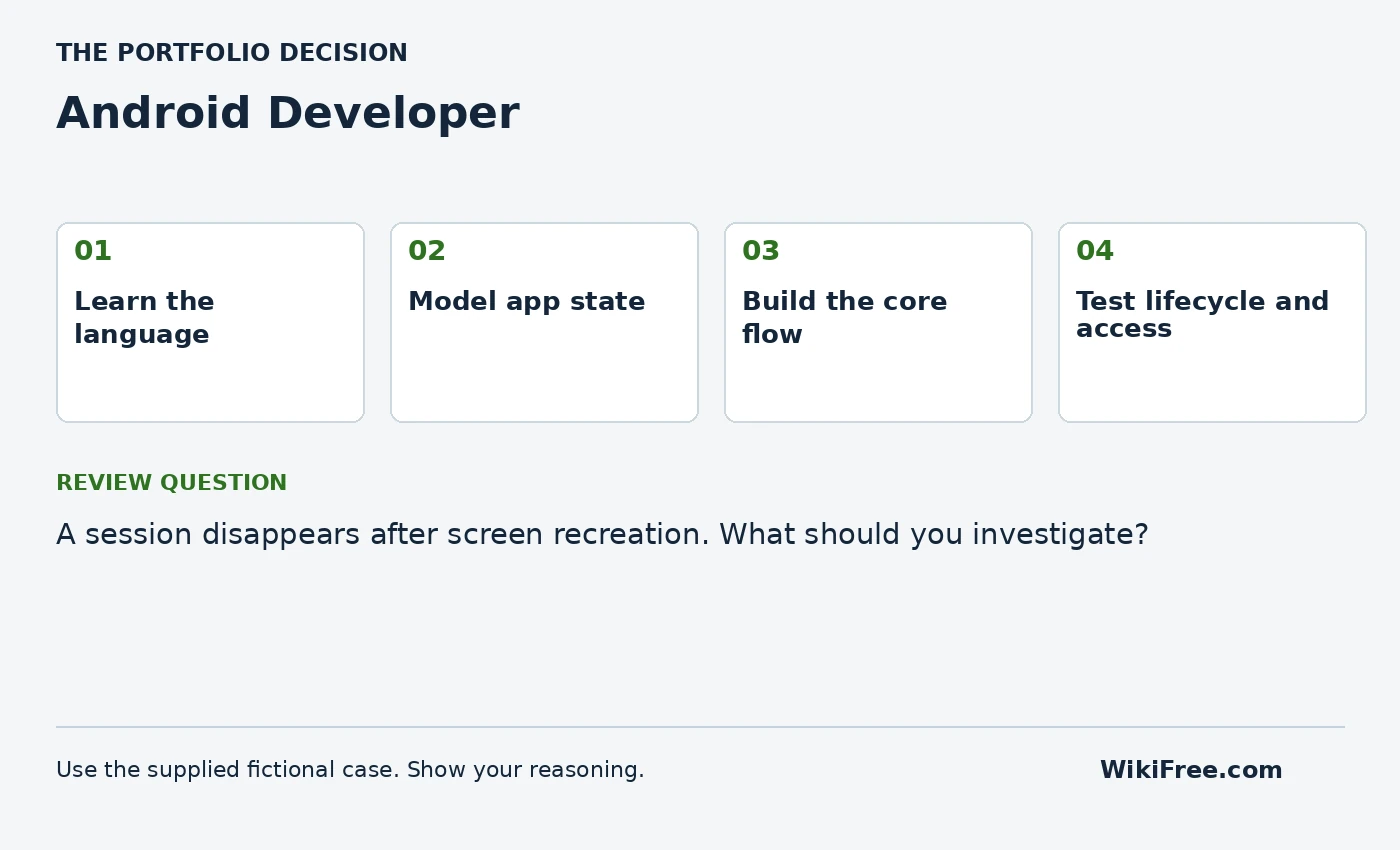
A session disappears after screen recreation. What should you investigate?
Write your answer and assumptions before opening the reference.
Read the reference reasoning
Whether state is held only in a transient UI instance rather than an appropriate state holder or persistence layer. Choose storage based on the required lifetime.
Portfolio review rubric
| Criterion | Points | Evidence required |
|---|---|---|
| Problem and scope | 4 | A clear user, need, boundary and assumptions |
| Role-specific work | 8 | 2 points for each of the four stage acceptance checks |
| Reasoning and validation | 4 | Independent checks, actual results and uncertainty |
| Communication and reproducibility | 4 | A usable README, source links and reviewable work products |
Aim for at least 16/20 as a self-review target, with no missing stage acceptance check. This is a WikiFree practice rubric, not an industry credential or a hiring assessment.
Interview practice
Explain the difference between UI state survival and durable storage in your app.
Answer using the case: context, your action, evidence and limitation. Describe this honestly as a self-directed project. Do not present fictional organizations, invented interviews or practice results as paid work experience.
Your progress
Use this checklist as a personal study aid. Progress is stored in this browser when local storage is available; it is not an account record or a certificate.
0 of 5 milestones complete
The lessons and projects remain readable without JavaScript. Automatic progress saving requires JavaScript.
Questions before you start
Will this path qualify me for a job?
It helps you study relevant foundations and produce a work sample. Employers may require additional skills, qualifications and experience. Review actual role requirements before applying; no job or certification is guaranteed.
Are all tools and certificates free?
The linked learning routes were selected for free viewing or reading. Follow the separate access and certificate notes on each course. Paid tools and cloud deployment are optional; document a local design when implementation resources are unavailable.
Can I follow this on a phone?
You can read the path and many learning resources on a phone. Coding, detailed spreadsheet work, design tools and mobile-app development are easier or require a suitable computer. The page is designed to reflow; that is not a claim that every physical device has been tested.
Questions & discussion
Share a useful question or correction. Comments appear after moderation. Please avoid personal or sensitive information.