Path 90 · The response room · Intermediate
Practice the decisions before the pressure.
A guided, practical route through security incident tabletop.
What you will be able to do
Facilitate a fictional security-incident tabletop with timed injects, an evidence log and a post-exercise improvement plan.
Plan about 8h 6m in total. Reading and practice are editorial estimates; video runtimes come from public provider metadata. Your pace will vary.
Before you begin
Check your starting point
What you need
Basic security vocabulary. Use documents only; no real systems, accounts or messages are affected.
The selected public provider lessons are free to view. The original case can be completed with paper, a text editor or freely available local tools. Paid exams, certificates, subscriptions and optional provider software are not required for this project.
Completing this WikiFree path does not award a provider certificate. Any provider assessment, account requirement or credential must be checked separately on its official page.
Three readiness questions
Is an alert the same as confirmed compromise?
No.
Should exercise messages be confused with real alerts?
No. Label every artifact as an exercise.
What should a decision log preserve?
Time, evidence, decision, owner and rationale.
Use a workable pace
At 5 hours per week, allow about 2 weeks. Start with Stage 1, continue in order and reserve 2h for the capstone. If a gate fails, use its repair step before advancing. At another weekly budget, divide 486 estimated minutes by your available weekly minutes and round up.
Keep a small evidence folder. A checked box means you reviewed your output; it is not a certificate or proof that a provider lesson was watched.
The working case
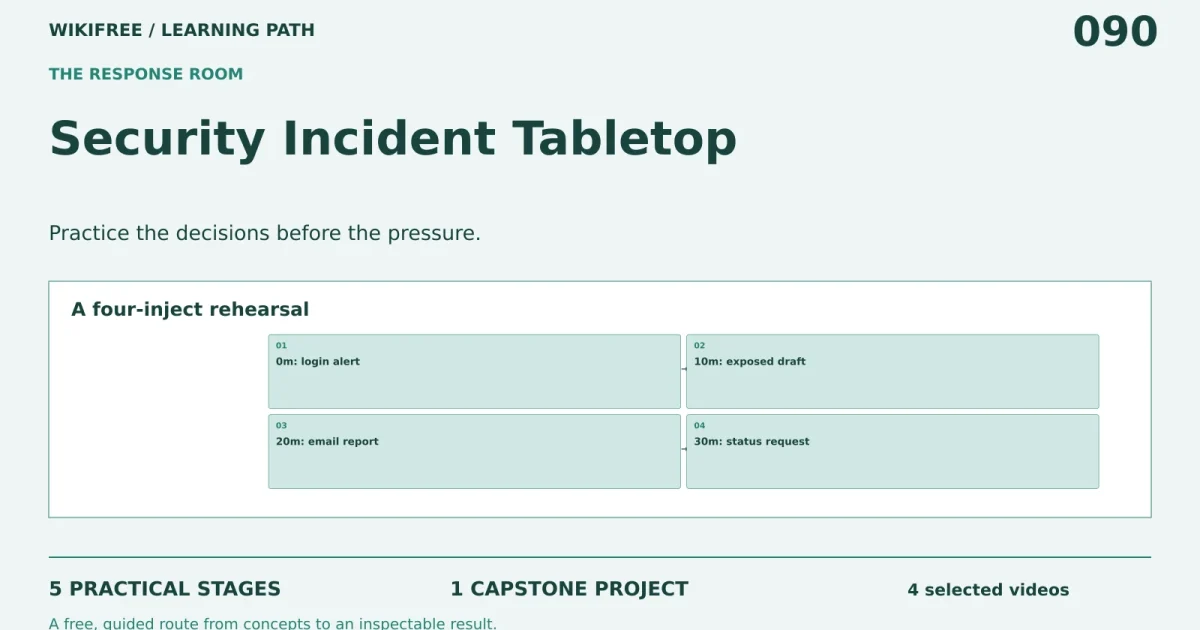
A four-inject rehearsal
A fictional workshop team receives an alert about unusual organizer-account logins. At minute 10 a draft file is reported publicly accessible; at minute 20 a staff member reports a suspicious approval email. These are exercise injects, not actual incidents or proof of compromise.
| Exercise minute | Inject |
|---|---|
| 0 | Unusual login alert |
| 10 | Draft file reported public |
| 20 | Suspicious approval email |
| 30 | Leadership asks for status |
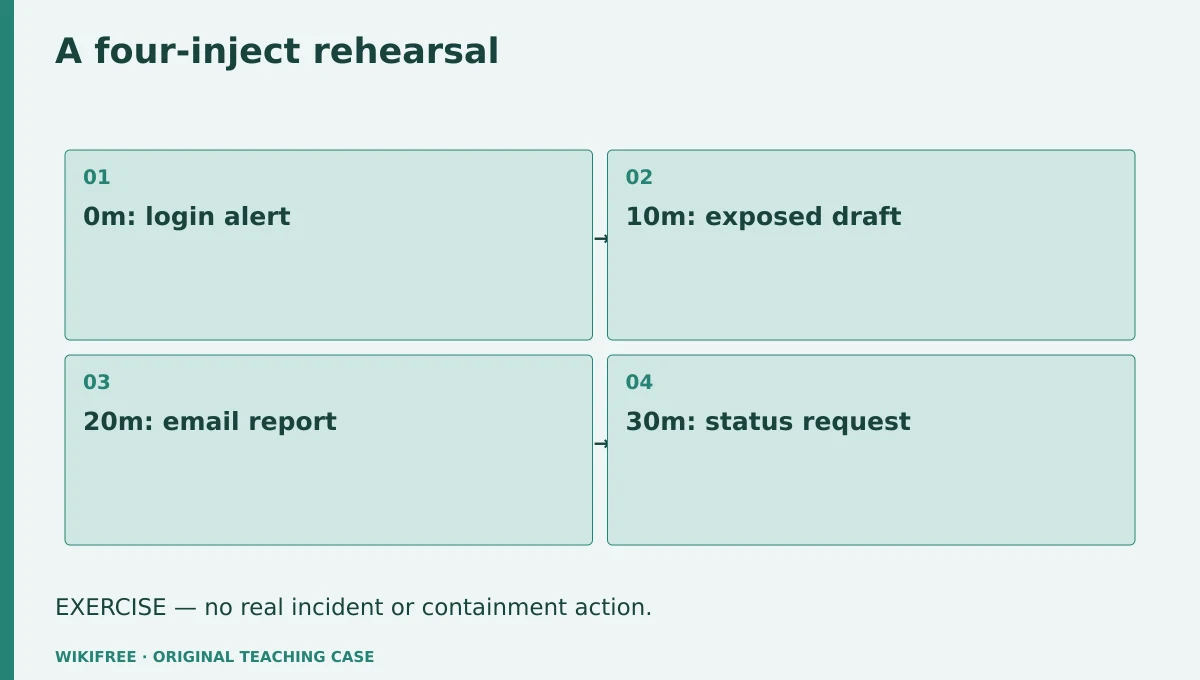
The table and explanations preserve the essential case information when the diagram is unavailable.
Your route
Five outputs, then a final handoff
- 01Set scope and rolesTabletop charter
About 1h 7m including assigned learning and practice. - 02Triage the first alertTriage log
About 1h 23m including assigned learning and practice. - 03Choose proportionate responsesDecision timeline
About 1h 32m including assigned learning and practice. - 04Communicate uncertainty clearlyExercise status draft
About 1h including assigned learning and practice. - 05Turn observations into improvementsImprovement plan
About 1h 5m including assigned learning and practice. - FINALCapstone reviewCombine the evidence into one inspectable handoff.
About 2h .
0 of 6 outputs checked. JavaScript adds browser-only progress saving.
The complete lesson and all downloads remain available. Use the printable project workbook to track your progress.
Use the minimum useful source material
The courses behind this route
IBM
Free Security Operations Course: SIEM, SOAR and EDR
Published SIEM and SOAR lessons provide operations context.
Selected material only; this path does not claim completion of the entire provider course.
IBM
Free Cybersecurity Architecture Course: Identity to Response
Published detection and response lessons support triage and response reasoning.
Selected material only; this path does not claim completion of the entire provider course.
Course publication and selected public lesson metadata were checked on 13 October 2026. This is not a claim of full video playback, provider-course completion or permanent availability. Recheck the linked source if a lesson changes.
Learn, make, inspect
The five-stage workshop
Set scope and roles
Video 12m · reading budget 0m · original practice about 55m.
A tabletop practices reasoning and coordination without taking production actions. Define facilitator, incident lead, technical reviewer and recorder roles. State the exercise boundaries and escalation rules. SIEM and SOAR concepts help explain evidence and coordination, but the project does not install those platforms.
Watch these selected lessons
Do the work
Write the exercise charter and role cards.
Save this output
Tabletop charter
Pass the review gate
All materials say EXERCISE and prohibit real containment actions.
If you need another attempt
Make the scope visible on the first page of every inject.
Triage the first alert
Video 17m · reading budget 0m · original practice about 1h 5m.
Triage asks what is known, what is uncertain and what evidence is needed next. Preserve the difference between an alert and a confirmed event. Record source, time and confidence. Avoid inventing log details that the inject does not provide. The team may request evidence in the simulation without receiving a fabricated answer.
Watch these selected lessons
Do the work
Apply the minute-0 inject and record three evidence requests.
Save this output
Triage log
Pass the review gate
Unknown account activity is not labeled confirmed compromise.
If you need another attempt
Use known, assumed and unknown columns.
Choose proportionate responses
Video 17m · reading budget 0m · original practice about 1h 15m.
Containment decisions trade speed, evidence preservation and business impact. A tabletop should compare options and identify who can authorize them. The exercise does not execute account locks or remove files. Record the conditions under which a real response would be considered and the information needed to proceed.
Watch these selected lessons
Do the work
Discuss the minute-10 and minute-20 injects and log proposed decisions.
Save this output
Decision timeline
Pass the review gate
Each proposed action has an owner, reason and authorization condition.
If you need another attempt
Replace immediate action claims with simulated decision wording.
Communicate uncertainty clearly
Video 0m · reading budget 0m · original practice about 1h .
A status update should distinguish verified facts, current impact, actions under consideration and the next update time. Do not reassure beyond the evidence or speculate about an attacker. This is a writing exercise; messages are not sent to any real recipient. Keep the audience’s decision needs in view.
Original application stage. Use your preceding outputs and the supplied case; there is no additional required provider lesson.
Do the work
Draft the minute-30 leadership update in 150 words.
Save this output
Exercise status draft
Pass the review gate
The draft contains no unsupported breach attribution or false all-clear.
If you need another attempt
Label the unknowns and state the next evidence step.
Turn observations into improvements
Video 0m · reading budget 0m · original practice about 1h 5m.
An after-action review examines the process rather than assigning blame. Separate observed coordination gaps from imagined failures. Give each improvement an owner, due date and completion evidence. A tabletop can reveal unclear roles, but it does not prove that technical controls or recovery procedures work in production.
Original application stage. Use your preceding outputs and the supplied case; there is no additional required provider lesson.
Do the work
Write an after-action report with three prioritized improvements.
Save this output
Improvement plan
Pass the review gate
Each action traces to an exercise observation.
If you need another attempt
Remove generic recommendations that no inject or decision supports.
Make the result inspectable
Your final project
Deliver the charter, role cards, four injects, evidence log, decision timeline, unsent status draft and after-action plan. Run it as a solo rehearsal or with consenting participants and record only what actually happened.
The ZIP includes synthetic input data, a project workbook, worked reference, evidence log, scoring rubric and case-specific materials. Code projects include source and clearly stated local execution requirements.
Use one consistent rubric
| Criterion | Maximum | Evidence |
|---|---|---|
| Evidence and correctness | 30 | Calculations, source use and results match the supplied case; limitations are honest. |
| Required artifacts | 30 | All five stage outputs and the capstone handoff are present and inspectable. |
| Reasoning and decisions | 20 | Choices, assumptions, alternatives and the case-specific critical condition are explained. |
| Reproducibility | 10 | A reviewer can follow the stated steps and distinguish expected from observed results. |
| Clear communication | 10 | Labels, units, structure and evidence references make the work easy to review. |
Score at least 80/100, supply every required artifact, and satisfy the path-specific critical condition. Rework missing evidence before marking complete.
The critical condition
Every artifact is marked EXERCISE and no real containment action, message or incident outcome is claimed.
Compare with a worked reference
The timeline contains four planned injects at 0, 10, 20 and 30 minutes. The first alert does not establish the cause of the reported file exposure. A good log preserves these as separate evidence items until the simulated investigation connects them.
Know the boundary
This is a discussion rehearsal, not incident response on a real system or proof of operational readiness.
Questions before you finish
Do I need to finish every source course?
No. This path names selected lessons or reading sections. Complete the full provider course only if it supports your wider goal. The path does not claim equivalence to that course.
How do I know when to advance?
Use the output and review gate in each stage. If evidence is missing or a result conflicts with the case, follow the repair step and retry before advancing.
Can I do the project without paid software?
The selected public provider lessons are free to view. The original case can be completed with paper, a text editor or freely available local tools. Paid exams, certificates, subscriptions and optional provider software are not required for this project.
What does my checklist prove?
It records your own review in this browser only. It does not verify viewing, skill, a provider credential or a real-world deployment.
What if a lesson or tool changes?
Use the linked course and provider page to inspect current availability. Record the change and revisit the relevant assignment; do not invent a replacement lesson or claim an unavailable activity was completed.
Questions & discussion
Share a useful question or correction. Comments appear after moderation. Please avoid personal or sensitive information.