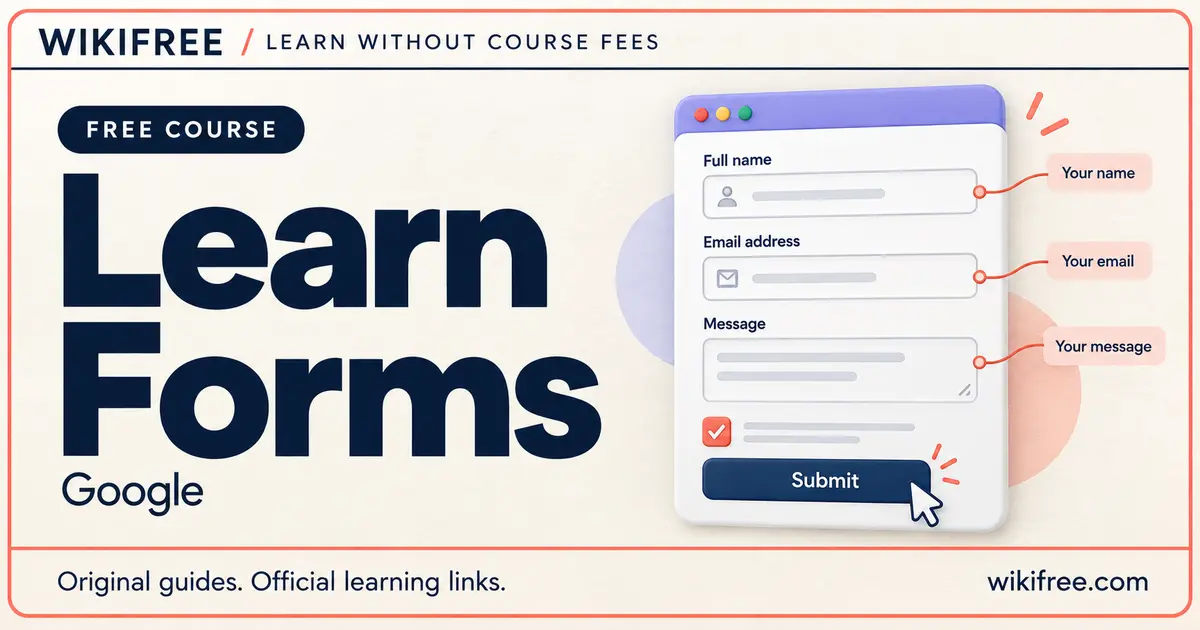
A form is often the point where someone moves from browsing to doing: asking a question, choosing an option or sharing information. Learn Forms, Google’s public web.dev course, helps you design that moment with clearer markup, helpful feedback and more considerate interactions. You study the details that make a form understandable before adding extra visual polish.
The lessons begin with basic HTML forms and then explore validation, accessibility, testing and specialised patterns. It is a focused next step for someone who already understands HTML and wants their interfaces to do more than look convincing in a screenshot.
Course at a glance
| Provider | |
|---|---|
| Platform | web.dev |
| Level | Beginner |
| Language | English |
| Format | Self-paced written course with interactive demonstrations and self-assessments |
| Prerequisites | Basic HTML knowledge |
| Access | Free public lessons; local browser and text-editor practice |
| Recognition | Learn Forms developer-profile badge offered after completion confirmation |
| Accounts | No account needed to read; free standard developer profile for the badge |
What you’ll learn
- Build an appropriate form structure: understand the form element and choose controls for the information being requested.
- Guide data entry: use labels, relevant input types, autocomplete and suitable attributes to reduce avoidable effort.
- Explain validation: explore browser constraints and communicate requirements before someone encounters an error.
- Support different users: examine accessible interaction, international data formats and localisation considerations.
- Evaluate the experience: consider usability testing and differences between devices, browsers and contexts.
- Improve presentation and behaviour: investigate styling and JavaScript enhancements alongside address, identity and payment-form patterns.
Skills you’ll gain
- HTML form controls
- Labels and instructions
- Frontend validation
- Autofill
- Form accessibility
- Usability testing
Ask for information people can actually provide
Choosing a control is a design decision as well as a technical one. A text field, dropdown and group of radio buttons ask people to interact differently. Learning their purposes helps you avoid making someone guess how a field works or what a label means.
The validation material makes that practical. HTML can mark a field as required and apply constraints, but the user also needs an understandable explanation. The course explores how frontend features work and where CSS or JavaScript can improve the feedback.
Frontend checks are not a substitute for validating information on a server. The security and privacy material gives this wider context without turning a practice form into a complete production system. Treat real authentication, payment processing and storage of personal information as separate implementation responsibilities.
Study from basics or solve a specific problem
The provider describes the course as useful for both newer and experienced HTML developers. Follow the opening modules if forms are unfamiliar, then continue into controls, attributes, styling and testing. If you already build forms, select a topic that matches an interface you are improving.
Most demonstrations use CodePen, and the lessons include interactive examples and self-assessments. You can also reproduce the HTML, CSS and JavaScript concepts in local files. This independent route keeps your learning separate from the availability or account requirements of an external demo editor.
Practise with a small enquiry form
For optional independent practice, create a mock enquiry form with a name, email address, topic choice and message. Use fictional data. Give each field a clear label, make any requirement visible and try submitting incomplete or incorrectly formatted values.
Then navigate using the keyboard and inspect the form at different window widths. Does the focus remain visible? Are instructions still close to the relevant control? Change one issue at a time so you can judge whether the experience improved.
This is a suggested personal exercise rather than a provider assignment. A local mockup does not require sending messages, connecting a payment processor or creating real customer accounts. You can learn the interface patterns without entering card details or collecting anyone’s private information.
Free access and the course badge
The public lessons do not require a subscription or sign-in. A browser and text editor support the practice route without paid hosting, paid software, a card or a trial. No fixed total duration was verified; allow extra time for the examples you want to reproduce.
The course completion page offers a Learn Forms badge when you confirm completion. A standard Google developer profile is free. The offer is developer-profile recognition; no formal certificate, academic credit or guarantee that your forms meet every accessibility or security requirement is promised.
Frequently asked questions
Should I learn HTML before starting?
Yes. The provider lists HTML knowledge as a prerequisite. The course explains forms rather than introducing all HTML from the beginning.
Do payment-form lessons require a real purchase?
No purchase is needed for the local study route. Explore interface concepts with mock fields and fictional information; do not submit real card details for practice.
Can I use the course as a reference?
Yes. The modules can be followed in sequence or consulted individually when you need to improve a particular form feature.
Questions & discussion
Share a useful question or correction. Comments appear after moderation. Please avoid personal or sensitive information.